2
Thank you for your purchase.
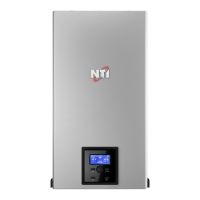
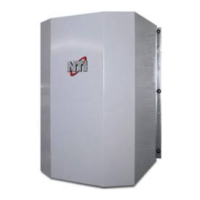
You just installed an NTI boiler
designed and built to provide
a new experience in domestic
heating and hot water comfort.
Connect the product and, with
agreement from the boiler’s
owner, activate the remote
assistance service to manage
issues remotely and be notified of
errors in real time.
Connecting the boiler is quick
and easy in 4 easy steps:
1: Owner Account
Creation
2: Connect the Boiler
to the Internet
3: Get the Boiler
WiFi Serial Number
4: Contractor
Remote Connectivity
- Before the beginning of
the following procedure
check that the Internet
router where the boiler
is installed is working
correctly.
- Keep the SSID and
password of owner’s Wi-
Fi network handy.
They will be used during
conguration.
WARNING



 To Next Page