55
$
$
$
$
$
$
$
$
$
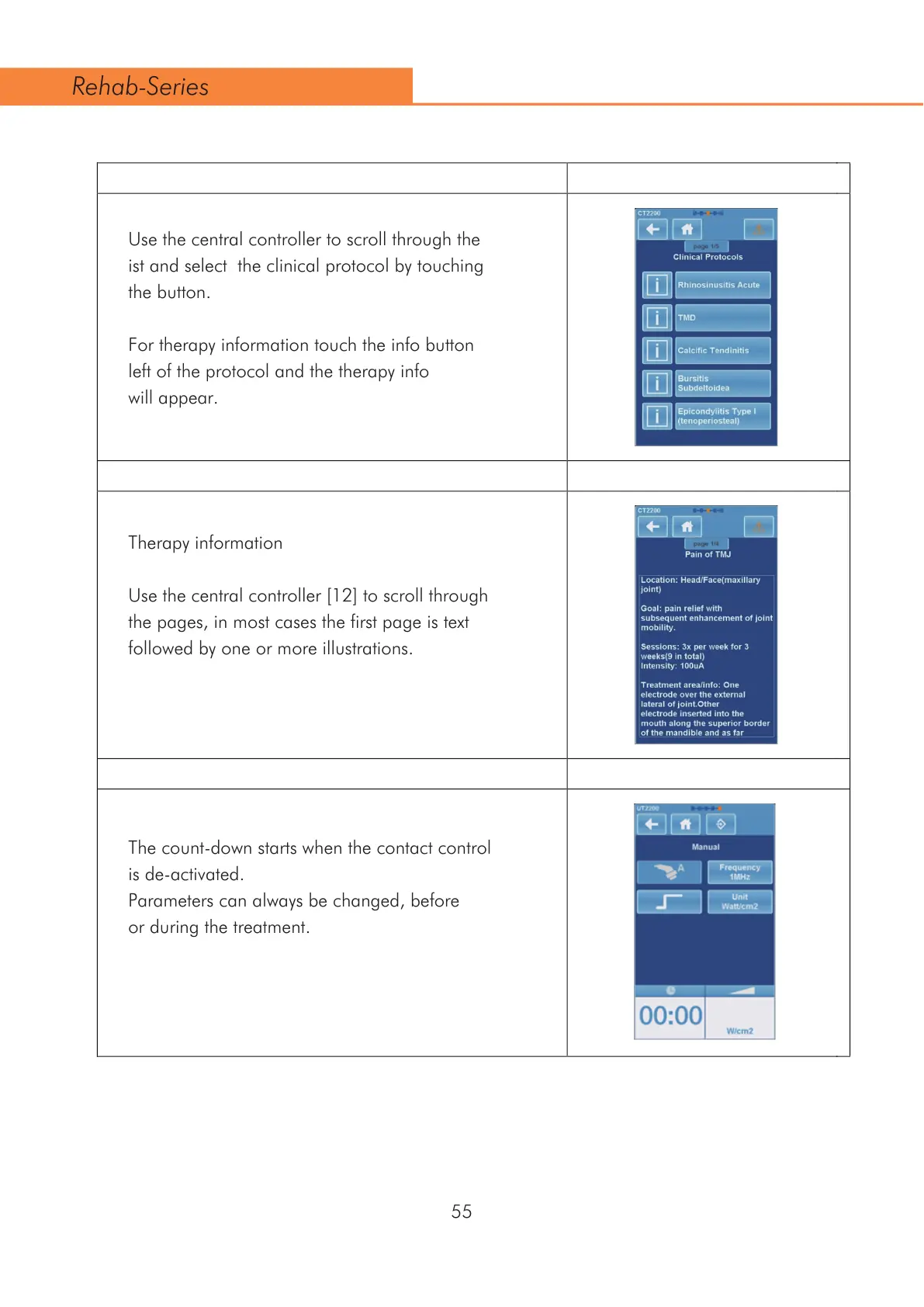
Use the central controller to scroll through the
ist and select the clinical protocol by touching
the button.
For therapy information touch the info button
left of the protocol and the therapy info
will appear.
Therapy information
8VHWKHFHQWUDOFRQWUROOHU>@WRVFUROOWKURXJK
the pages, in most cases the first page is text
followed by one or more illustrations.
The count-down starts when the contact control
is de-activated.
Parameters can always be changed, before
or during the treatment.
Rehab-Series



 To Next Page