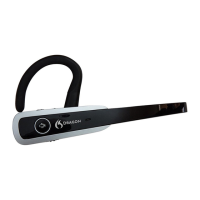
Dragon Bluetooth Wireless Headset II
Pair your headset
YourDragonBluetoothHeadsetIIisinpairingmodebydefaultwhenyoufirstturniton.Theredandblue
LEDindicatorsflashalternatelytoindicatetheheadsetisinpairingmode.Toenablepairingmode
manually,see“Pairyourheadsetwithadditionaldevices”onpage17.
Forbestresults,firstturnoffallotherBluetoothdevicesthatconnecttoyourdevicebeforepairingyour
Dragonheadset.
Yourheadsetcanbepairedwithamaximumofonedeviceatatime.
Apple devices—iOS
1.
TurnonyourAppledevice.
2.
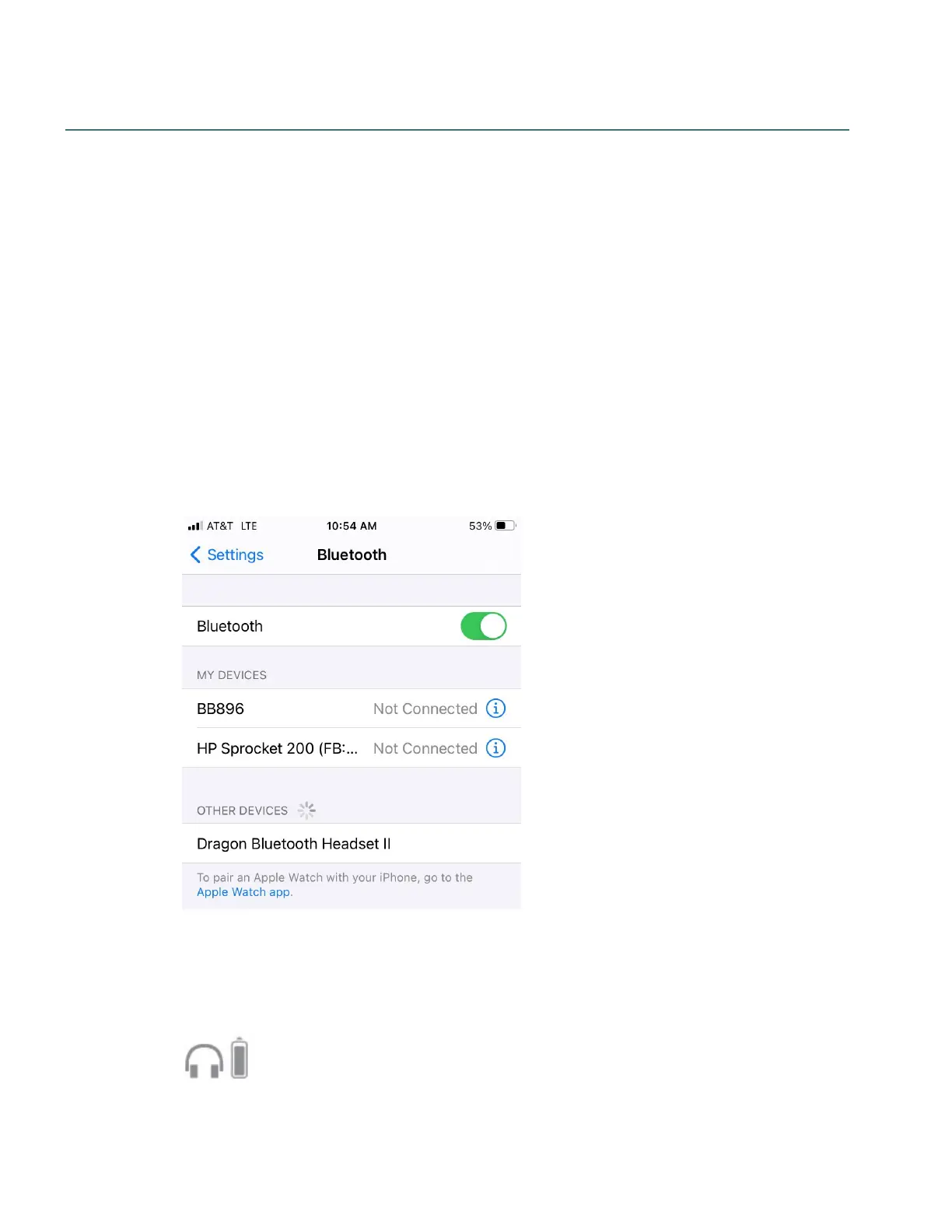
TapSettings>Bluetooth.
3.
EnableBluetooth.
4.
TurnonyourDragonBluetoothHeadsetII.
TheredandblueLEDlightsflashtoindicatetheheadsetisinpairingmode.
YourheadsetappearsinthelistofdevicesontheSettings>Bluetoothpage.
Ifyourheadsetdoesn'tappearinthelist,see“Troubleshootyourheadset”onpage29.
5.
TapDragon Bluetooth Headset II.
Whenpairedsuccessfully,theredandblueLEDlightsstopflashing,andthefollowingicons
appearinyourdevice'sstatusbar:
Usethebatteryicontodetermineyourheadset'sremainingbatterylife.
14


 To Next Page