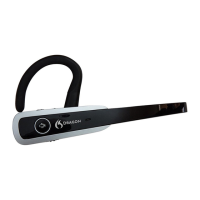
Dragon Bluetooth Wireless Headset II
Dictate — Dragon Professional solutions
UsetheseinstructionstodictatewiththefollowingDragonproducts:
l
DragonProfessionalIndividual
l
DragonProfessionalGroup
l
DragonLegalIndividual
l
DragonLegalGroup
l
DragonLawEnforcement
l
DragonHome
TodictatewithDragonProfessionalandDragonHome:
1.
Turnyourheadseton.
You'llhearaudioprompt"Connected".
2.
OpenDragon.
3.
Ifyoudon'talreadyhaveauserprofile,Dragonpromptsyoutocreateone.
Youcanchooseyourheadsetasyourmicrophoneafteryoucreateyouruserprofile.
4.
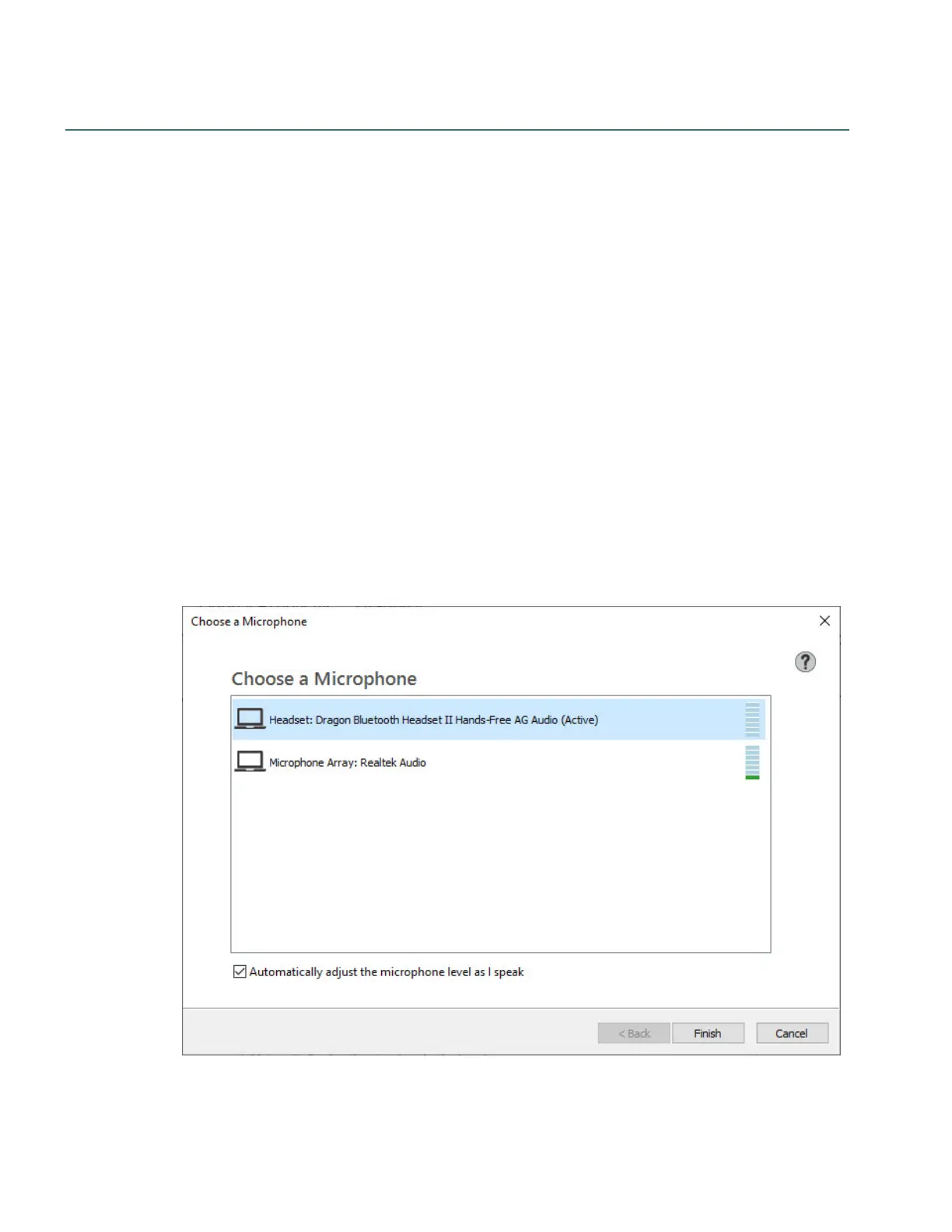
Ifyoualreadyhaveauserprofile,fromtheSettingsmenu,selectMicrophone>Choose
Microphone.
TheChooseaMicrophonedialogboxappears.
5.
SelectHeadset: Dragon Bluetooth Headset IIandthenclickNext.
Dragonsetsupyourmicrophone.
20


 To Next Page