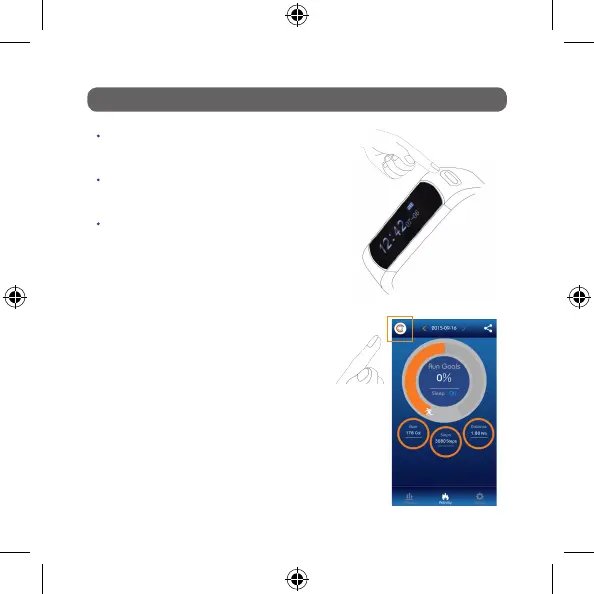
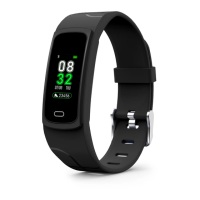
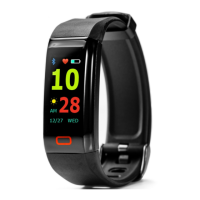
You will now receive following message:
Bluetooth Connecting
Connection Successful
Synchronising
Synchronisation Complete
Bluetooth Disconnect
Important Note:
The band disconnects at the end in order to pre-
serve battery life of phone and Nuband.
PAIRING YOUR NUBAND EVOLVE TO THE APP
Go to the activity screen of your Nuband
Evolve App
Press the button Nuband Evolve to light the
screen (This sends a wireless receiver)
Immediately press sync button on App
Sync Button
Light your
Nuband Evolve


 To Next Page