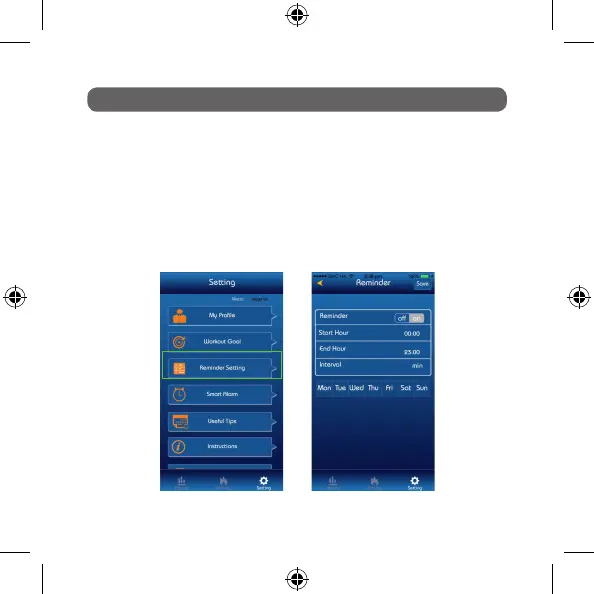
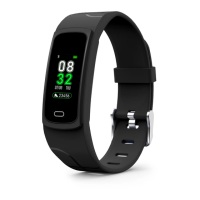
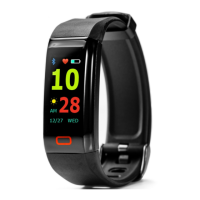
This is a special alarm that can be activated to remind you to stay active. You can
set the alarm from between 15 minutes and 2 hours and it will gently vibrate to
prompt you to get up and get moving.
Simply go to: Setting > Reminder Alarm
Click on times you wish the alarm to be active to and from and also the interval
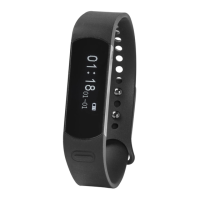
frequency of the alarm. Press Save and then sync your Nuband Evolve. You are
now set.
REMINDER SETTINGS
Setting Screen Reminder Screen


 To Next Page