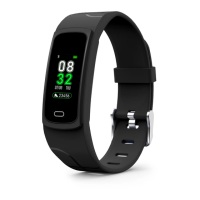
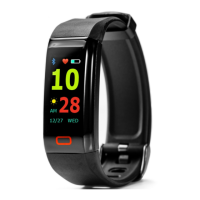
Smart alarm is a simple alarm clock feature that when set will gently wake you
with a soft vibration.
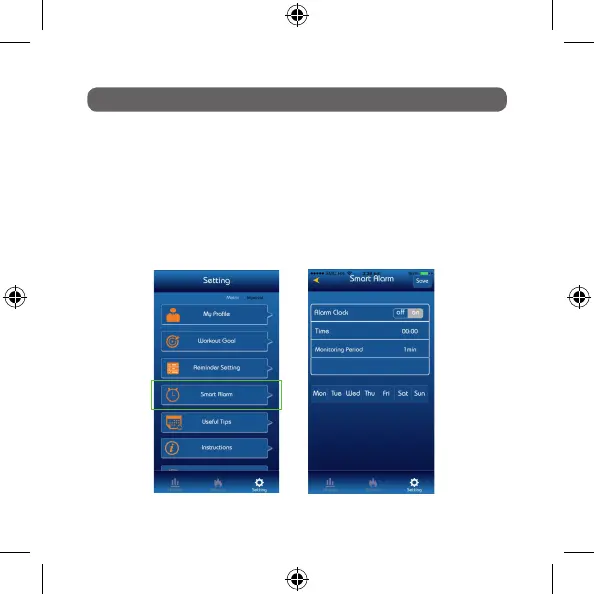
To activate go to: Setting > Smart Alarm
Press > On to activate and set time by clicking on time and using scroll to set.
Monitoring period is a snooze function that will buzz every selected interval until
switched off.
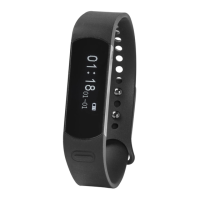
Press save and now synchronize to your Nuband Evolve.
SMART ALARM
Setting Screen Smart Alarm Screen


 To Next Page