NuForce DAC80 Digital to Analog Converter
Mac OS Installation
Download Driver
First, you will need to download the required driver from the following location:
http://nuforce.optoma.com/download
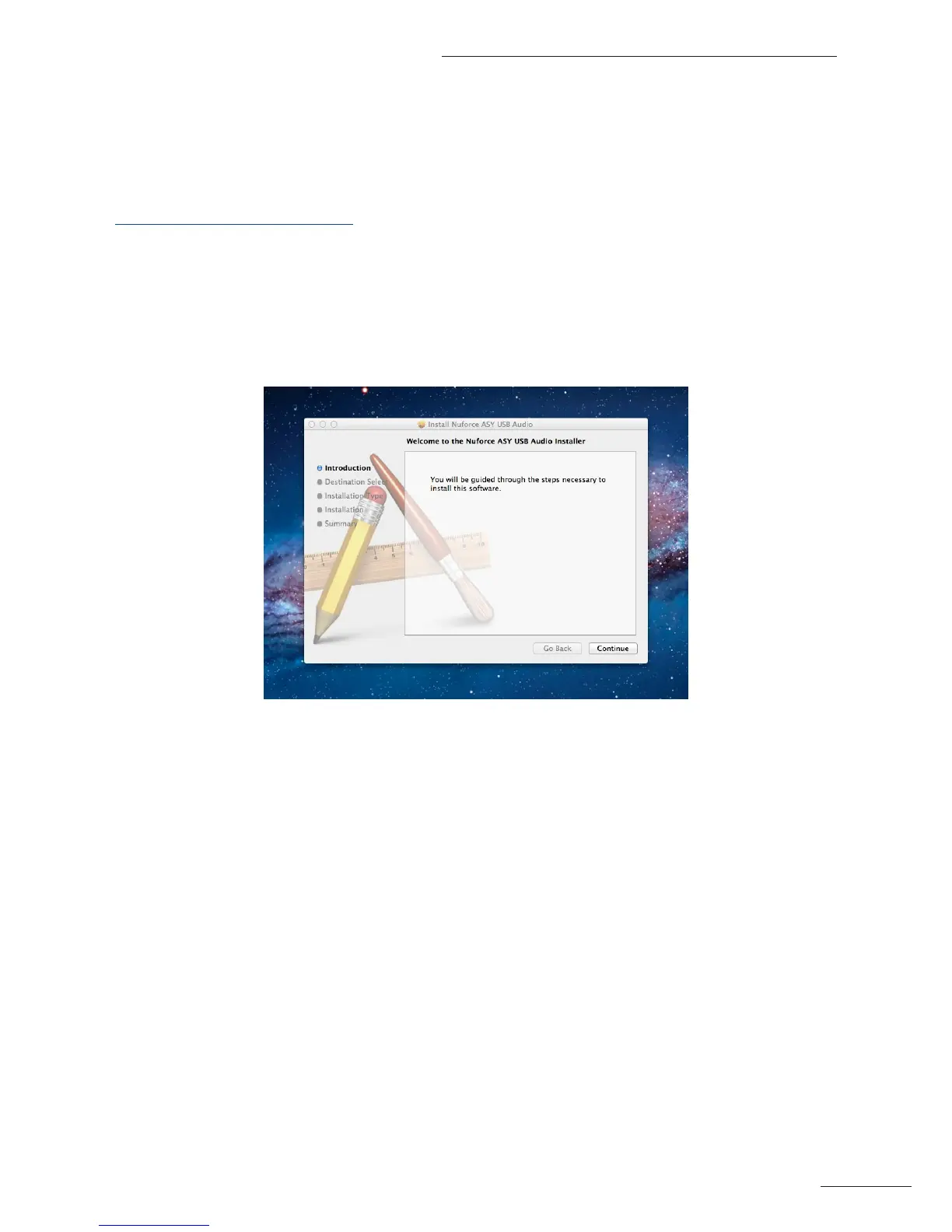
Install Driver & Software
After downloading the driver, the Installation program begins. Click Continue > Install > Install Software >
Continue installation as each screen appears. In the last window, click Restart to reboot your computer in order to
complete the installation process.
Connect Hardware
Once the software has been installed, connect a quality USB cable from the computer’s USB port to the input of
the DAC80. A white LED (= multiples of 44.1k) – will indicate that the DAC80 recognizes the connection.


 To Next Page