How to Use Product
E5
How to Use Product
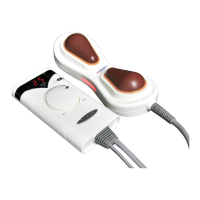
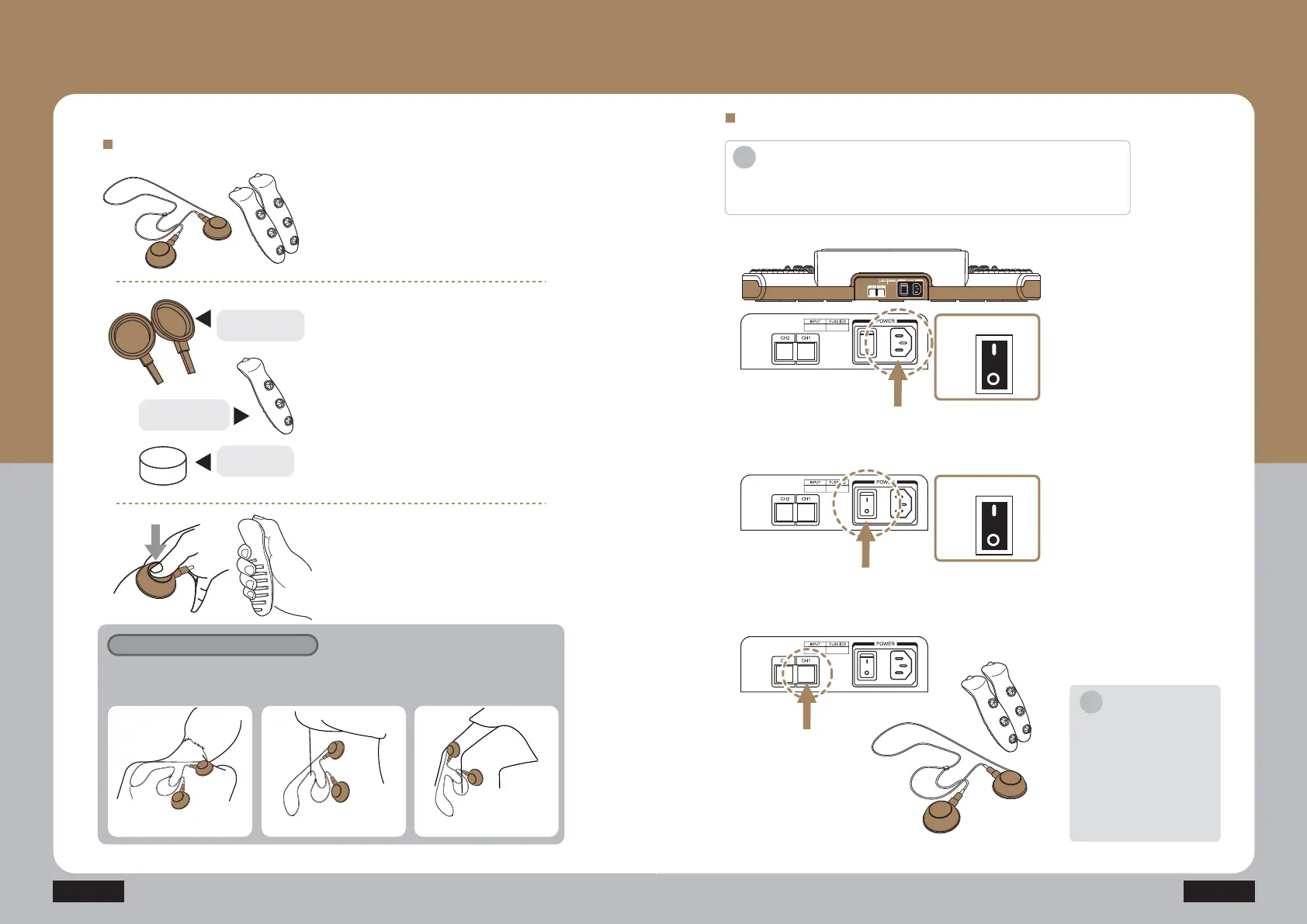
- How to use a low frequency patch (low frequency stick)
How to use low frequency patch
How to use channel 1 (CH1)
ⴘ Prepare the low frequency patch
(low frequency stick).
ⴙ When using the low frequency patch:
if there is no gel for low frequency, put
the wet foam into the low frequency
patch and apply it to the bare skin.
When you wet the foam, squeeze out
completely from flowing water.
Various uses of low frequency patch
Apply it to various human body areas to alleviate a pain.
(“L” size patch is used for a wide area including shoulders and abdomen, and “S” size patch
is used for a narrow area including a wrist and a knee)
L size patch use L size patch use S size patch use
Surface touching
human body
Low frequency
patch foam
ⴚ When using the low frequency patch:
Apply the low frequency patch including
the foam to the desired human body
with the negative pressure.
When using the low frequency stick:
grab it according to the groove.
Press the power switch on
the side of the power cord
connection unit to turn on the
product.
TUFQ
Connect the low frequency
patch (low frequency stick)
cable to the CH1 terminal.
TUFQ
Connect the power cord to
the back side of the product,
and connect it to the power
outlet.
Check out the working
voltage before use.
TUFQ
How to Use Product
- How to use Channel 1
Introduction
·Do not use it for other usages than the described purposes of uses.
·Check out the working voltage before use.
i
Notice
Connect the low frequency
patch and low frequency stick to
the corresponding channel.
Ex 1) Channel 1 = Low
frequency stick, Channel 2 =
Low frequency patch
Ex 2) Channel 1 = Low
frequency patch, Channel 2 =
Low frequency stick
i
Surface touching
human body
ON
Power
OFF
CH2 CH1
ON
Power
OFF


 To Next Page
 Loading...