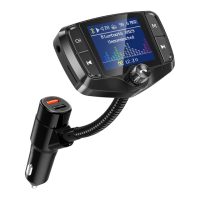
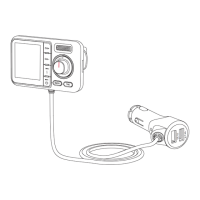
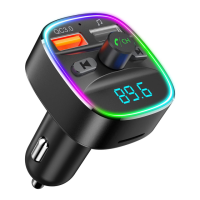
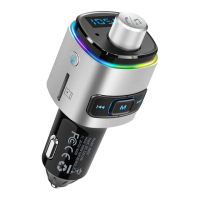
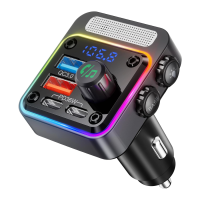
06
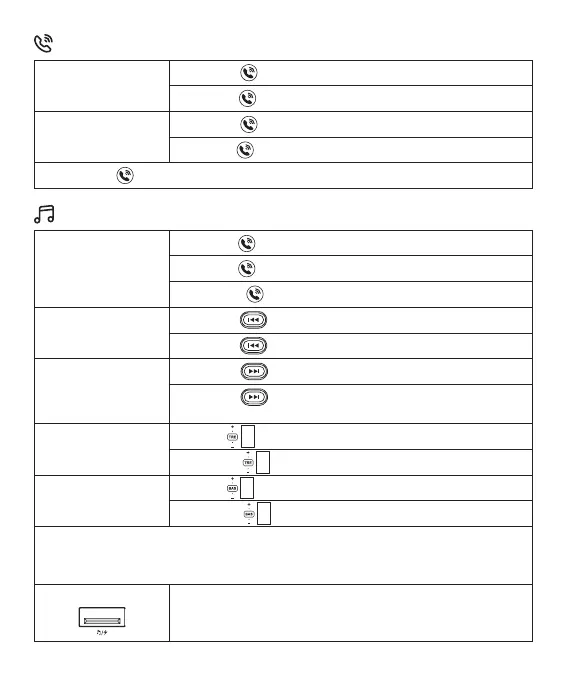
Short Press Play/Pause
Rotate Left Volume Decrease
Rotate Right Volume Increase
Short Press Previous Song
Long Press Turn Off the Atmosphere Light
Short Press Next Song
Long Press Switch Music Source (Between Bluetooth and
USB Drive)
Scroll Up Treble EQ Enhancement
Scroll Down Treble EQ Weakening
Scroll Up BASS EQ Enhancement
Scroll Down BASS EQ Weakening
Hands-free Calling
Playing and Controlling the Music
During an Incoming
Call
During an Ongoing
Call
Short Press Answer the call
Short Press End the call
Long Press Switch between headset and hands-free call mode
Double Press Call Back the Last Answered Call
Long Press Reject the call
Multi-Function Button
Previous Song Button
Next Song Button
Treble EQ Button
BASS EQ Button
Note: The Bass and Treble EQ adjustments have a strong effect. It is recommended to
adjust both together to achieve the best state. Adjusting only one to the highest level may
negatively impact the listening experience.
U Disk Mode
Supported Format: FAT32 formatted USB ash drive not used as a
computer boot disk
Supported Capacity: Up to 64GB


 To Next Page