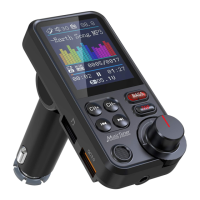
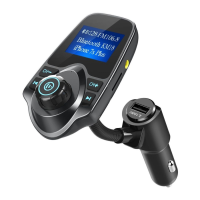
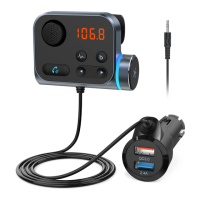
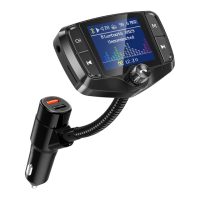
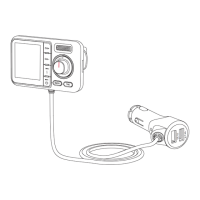
09
Trouble Shooting
Device Malfunctioning
1. Power is not responding, or display is not showing:
Ensure the device is properly connected to the cigarette lighter port, and that the cigarette
lighter is not signicantly rusted.
Unplug the device and try connecting it again.
Check if the cigarette lighter port is receiving power normally.
Ensure that the USB device is properly connected to the player. Alternatively, try using
another USB device.
Conrm that the les on the USB device are supported by the product.
Ensure that the volume is not set to 0.
Conrm that the player is activated and not in pause mode.
Check and adjust the volume settings on the car radio, FM transmitter, and the connected
external device as needed.
Ensure that the FM transmitter is turned on.
Verify that the transmission frequency of the FM transmitter matches the reception
frequency of the car's radio.
Ensure no strong signal stations are broadcasting at the current transmission frequency.
When in use, set your car radio to an unused frequency between 87.5-108.0 MHz (for the UK)
or 88.1-107.9MHz (for the US & Canada). Then, set the NX16 transmitter's frequency to match
the car radio's."
1 )
1 )
1 )
1 )
1 )
2 )
2 )
2 )
2 )
2 )
3 )
3 )
2. Unable to play:
2. The car audio is not receiving sound:
3. Poor transmission quality with noise:
Sound Troubles
1. Noise is present, but there is no sound:


 To Next Page