FAQ2
Note the mouse charging problem.
1
.
Please use our included charging cable to charge the mouse.
2. Do not use a fast charger to charge the mouse. Using a high-power adapter
to charge the mouse may burn out the mouse's chip. (Directly use the computer
USB port or a 5V charger to charge the mouse).
3. For your best experience, please fully charge the mouse before your rst use.
FAQ3
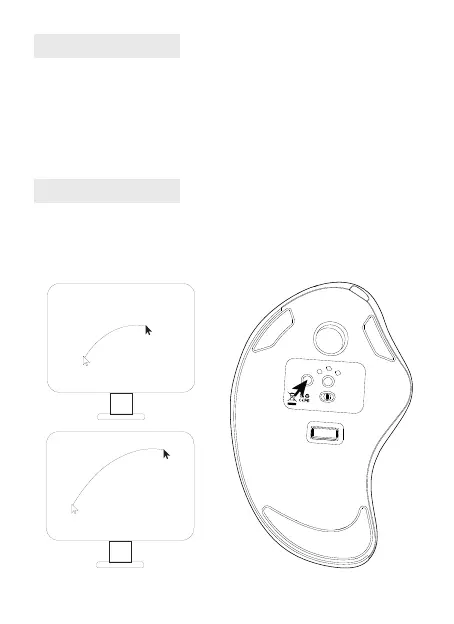
Why is the cursor too sensitive to control?
There are 5 DPI levels: 200-400(Default)-800-1200-1600. Press the DPI button
to adjust for your dreference.
ON OFF
USB BT2
BT1
Mode
DPI
MADE IN CHINA
support@nulea.com
Model Name: M505
S/N:B0801


 To Next Page