FAQ4
Don't get used to using trackball mouse.
The trackball mouse helping relieve wrist discomfort when working. The special
operation of the mouse may make you teel uncomfortable at rst. Once you get
command of using it, you will get its benets and fall in love with it.
FAQ5
How to reprogram mouse buttons?
1. All keys are not programmable.
2. Forward/Backward buttons are not compatible with MAC OS.
FAQ6
How does mouse charging display? Where is the charging indicator?
1. When the mouse is charging, the charging indicator is red, and the charging
completion indicator is green
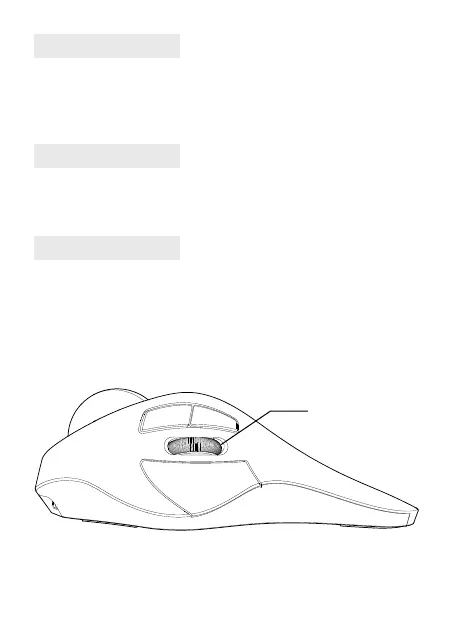
2. Refer to the following gure for the position of charging indicator lamp
Charge display light


 To Next Page