PIE1035 - Indice A – Novembre 2018 17/44
In high temperature environment, body heat of subjects and environment temperature are hard to tell by camera,
the suggested setting is high.
It is recommended to use low sensitivity for environments with lots of interference like hot wind, smoke, near
window, etc.
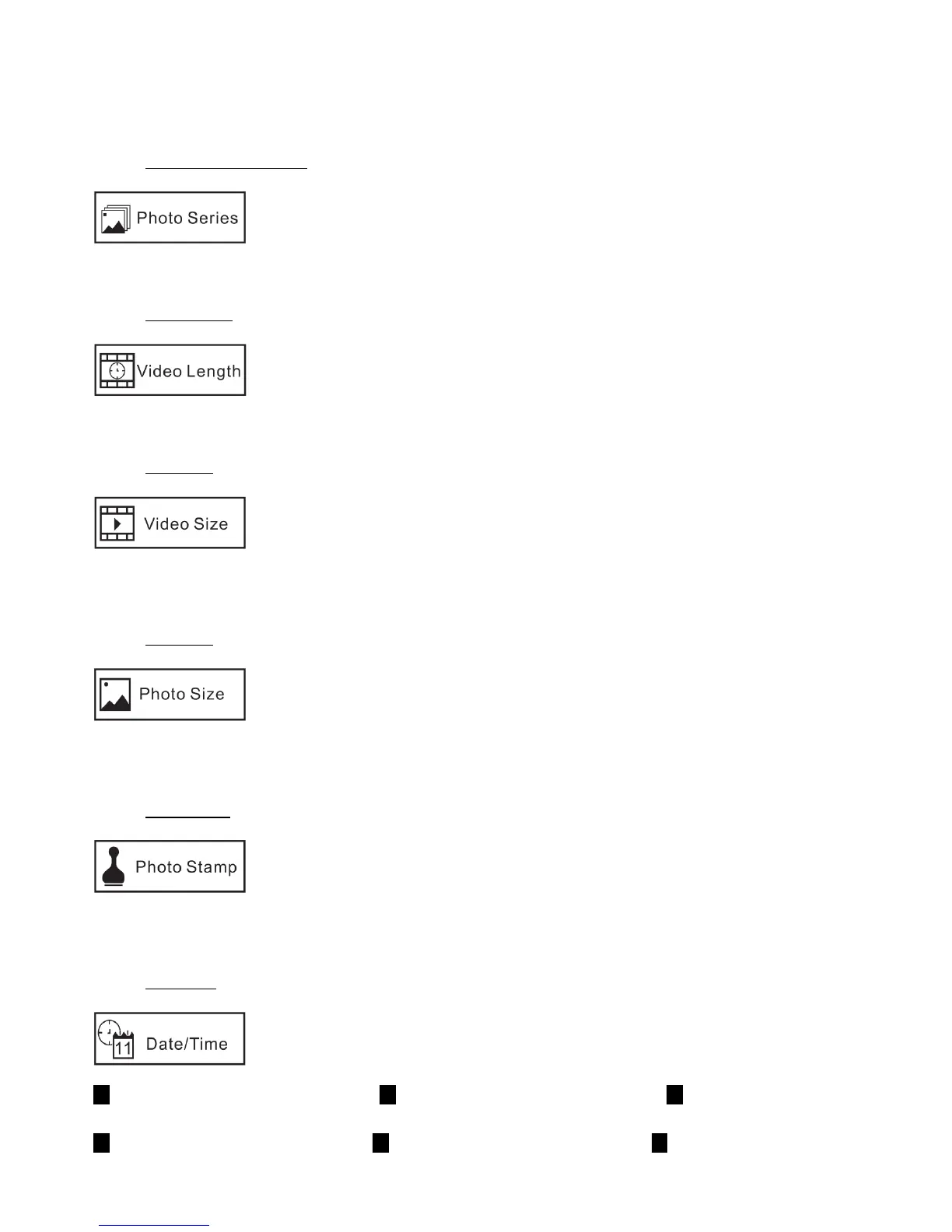
8.4. Photo Series (multi shot)
1 PHOTO | 2 PHOTOS | 3 PHOTOS
This parameter allows you to select how many photos are taken in sequence per trigger in PHOTO mode.
8.5. Video Length
10 seconds | 20 seconds | 30 seconds | 1 minute | 2 minutes | 5 minutes
This parameter allows you to select the length of the video in VIDEO mode.
8.6. Video Size
Higher resolution produces better quality videos, but creates larger files that take up more of the SD card capacity
(fills up faster).
8.7. Photo Size
3 MP | 5 MP | 8 MP | 12 MP | 16 MP
Higher resolution produces better quality photos, but creates larger files that take up more of the SD card capacity
(fills up faster).
8.8. Photo Stamp
Select ON if you want the time and date to appear on the photo/video files. The temperature, moon phase and ID
number (serial number) of the device (if you programmed one) will also appear on the photo/video files.
8.9. Date/Time


 To Next Page