PIE1045 - Indice B – Mars 2020 19/76
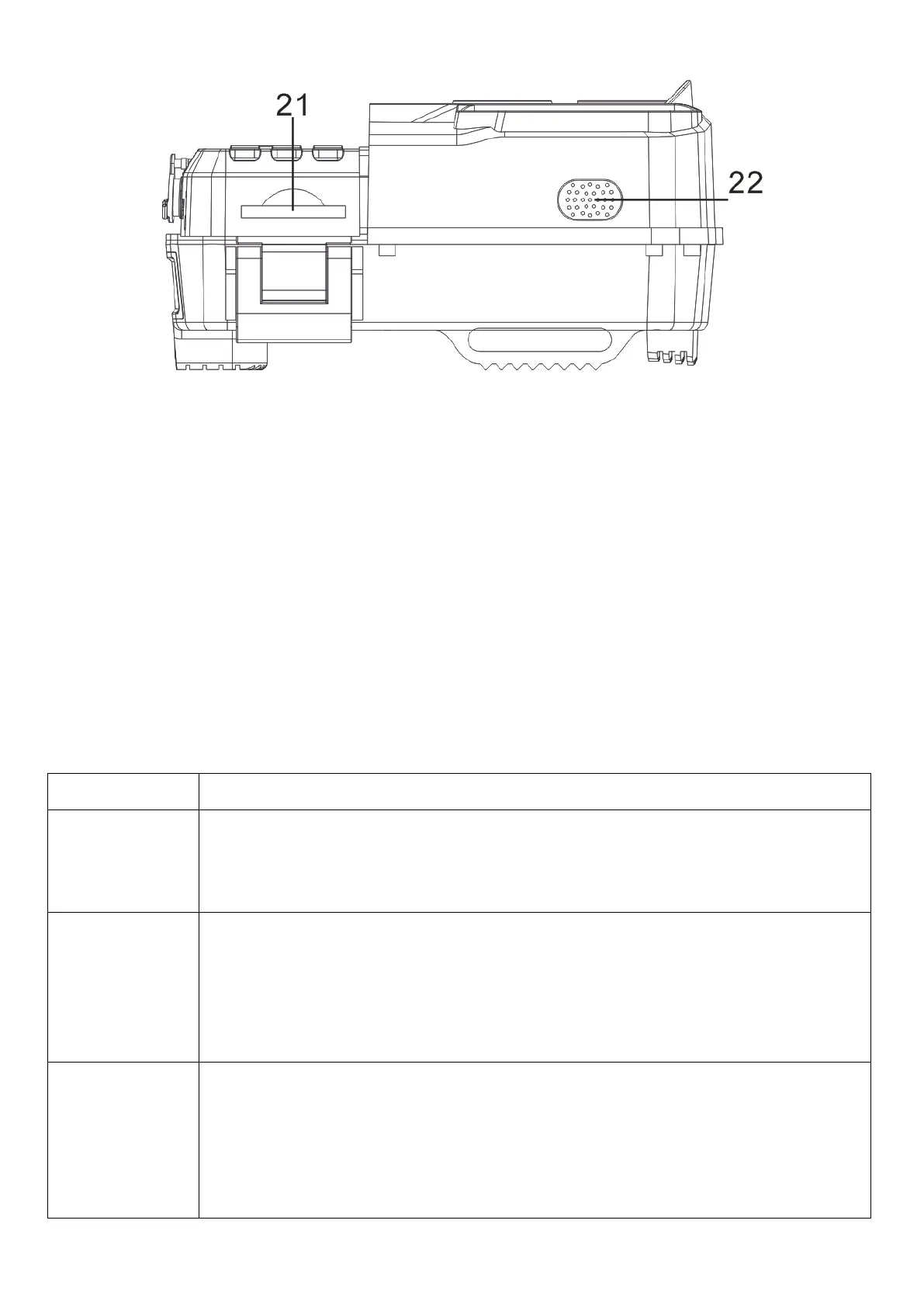
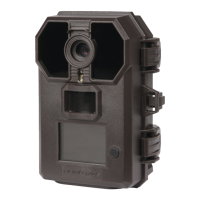
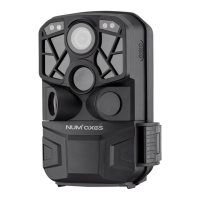
1 – Light sensor (day/night)
2 – Indicator light side PIR sensors
3 – Start-up indicator light
14 – OK button + Manual capture (photo/video)
4 – Indicator light central PIR sensor
16 – 3-position switch: ON / SETUP / OFF
17 – Battery compartment opening button
18 – External power port (DC)
8 – Central passive infrared sensor (PIR)
9 – Left passive infrared sensor (PIR)
10 – Right passive infrared sensor (PIR)
- ON: switches ON the device
- SETUP: to configure the settings
- OFF: switches OFF the device
- Short presses on the MODE button allow you to switch from "Start a
video" to "Take a picture" then "View photos/videos (playback)" and
finally "Settings menu".
- In the settings menu, a short press on the MODE button allows you to
move back.
- In the settings menu, the button allows you to move up.
- In time and date as well as password setting, the button allows you
to go to the higher digits.
- In SETUP mode, press the button for approximately 3 seconds to
connect or disconnect the camera from WIFI.


 To Next Page