3
ENGLISH
Pair Monitor and Phone
If you haven’t already done so, go
into your child’s prole and press
Start.
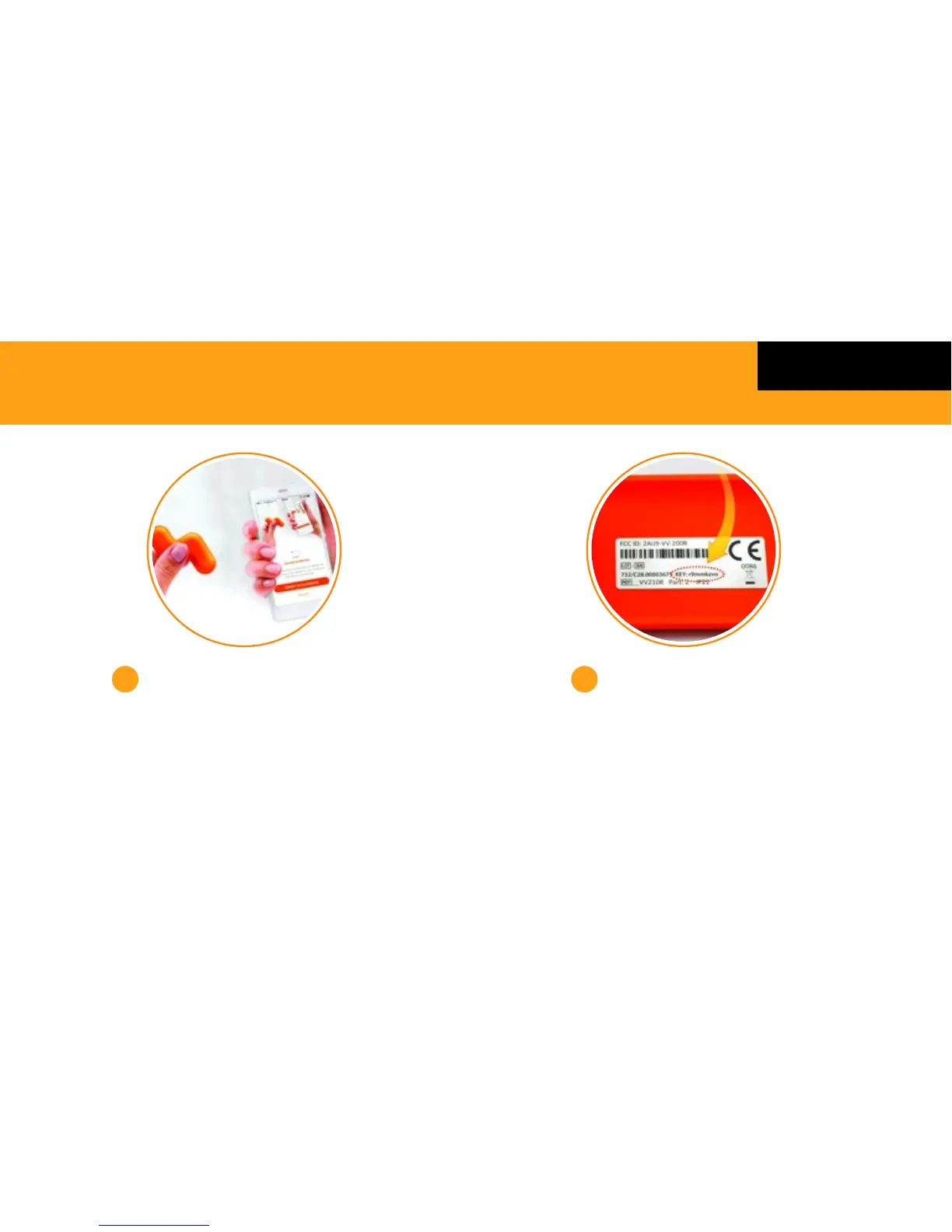
Hold the Monitor close to your phone
and tap the button to start pairing.
Ensure the Monitor is not placed in the
Base Station when pairing.
3
Enter 8 digit key
This is located on the inside
of the Base Station tray.
4
GETTING STARTED



 To Next Page