ENGLISH
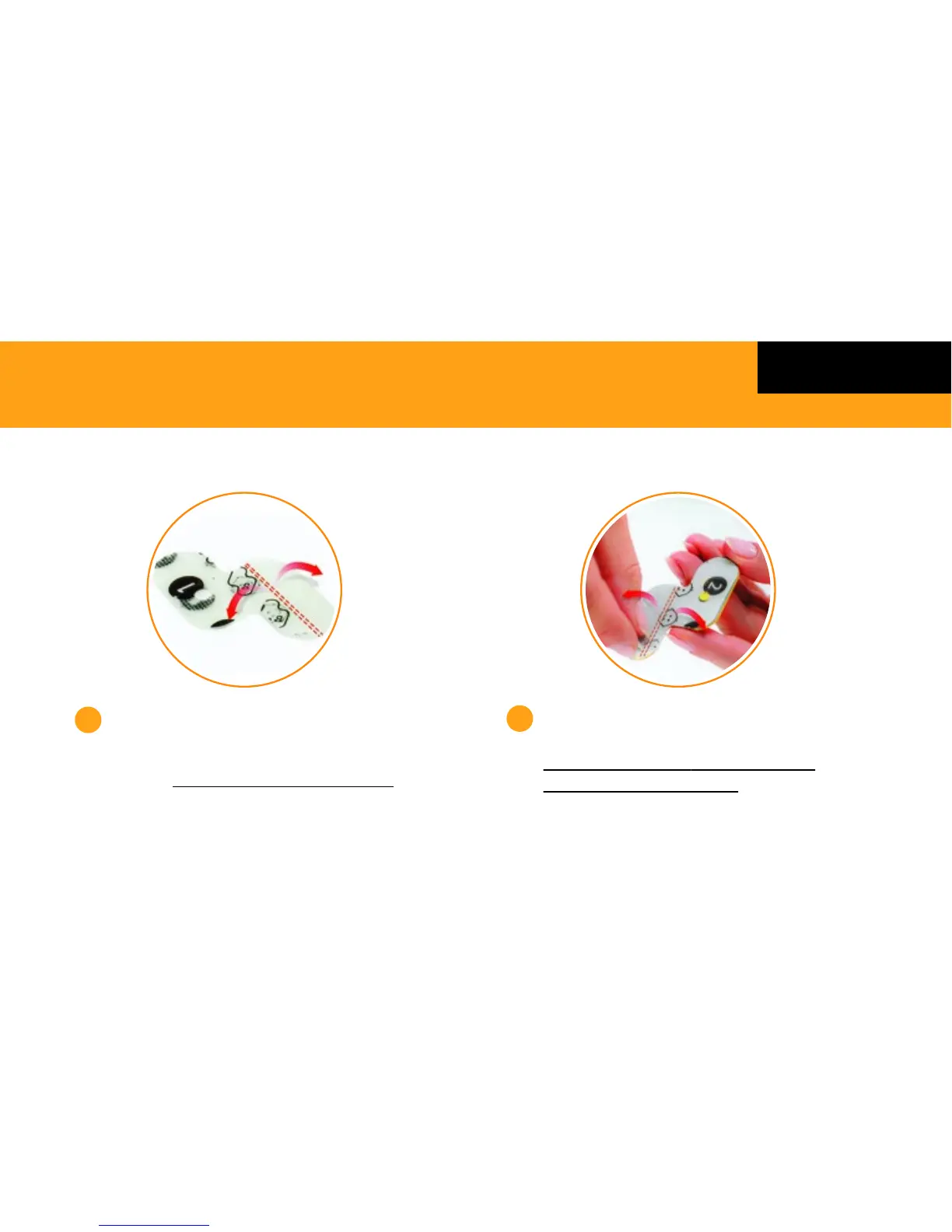
Apply Adhesive Patch to Monitor
Locate the side of the Adhesive Patch backing
labelled ‘1’
Remove both parts of the backing, as
shown above.
Then stick it onto the grey side of the Monitor,
ensuring it is aligned to the metal sensor.
Remove the backing on the side
labelled ‘2’
Ensure both parts of the backing is
removed, as shown above.
5
6
GETTING STARTED
Please take the time to view the ‘How to Video’ in the App which will take you
through the step by step process on how to apply the Monitor to your child.
4



 To Next Page