2322
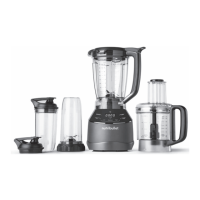
BLENDER PITCHER MODE
Preset programs for using
the Blending Pitcher:
Purée: Delivers a perfectly
smooth texture — ideal for
soups, sauces, and spreads.
Frozen Drinks: Perfect for
large-batch ice-blended
mocktails or cocktails and
frappe style drinks.
Smoothie: Blends fresh and
frozen fruits and vegetables
into creamy smoothies.
Nutmilk: Creates fresh
non-dairy milks, like almond
or cashew, with no straining
required. See Recipe Guide
for recipes.
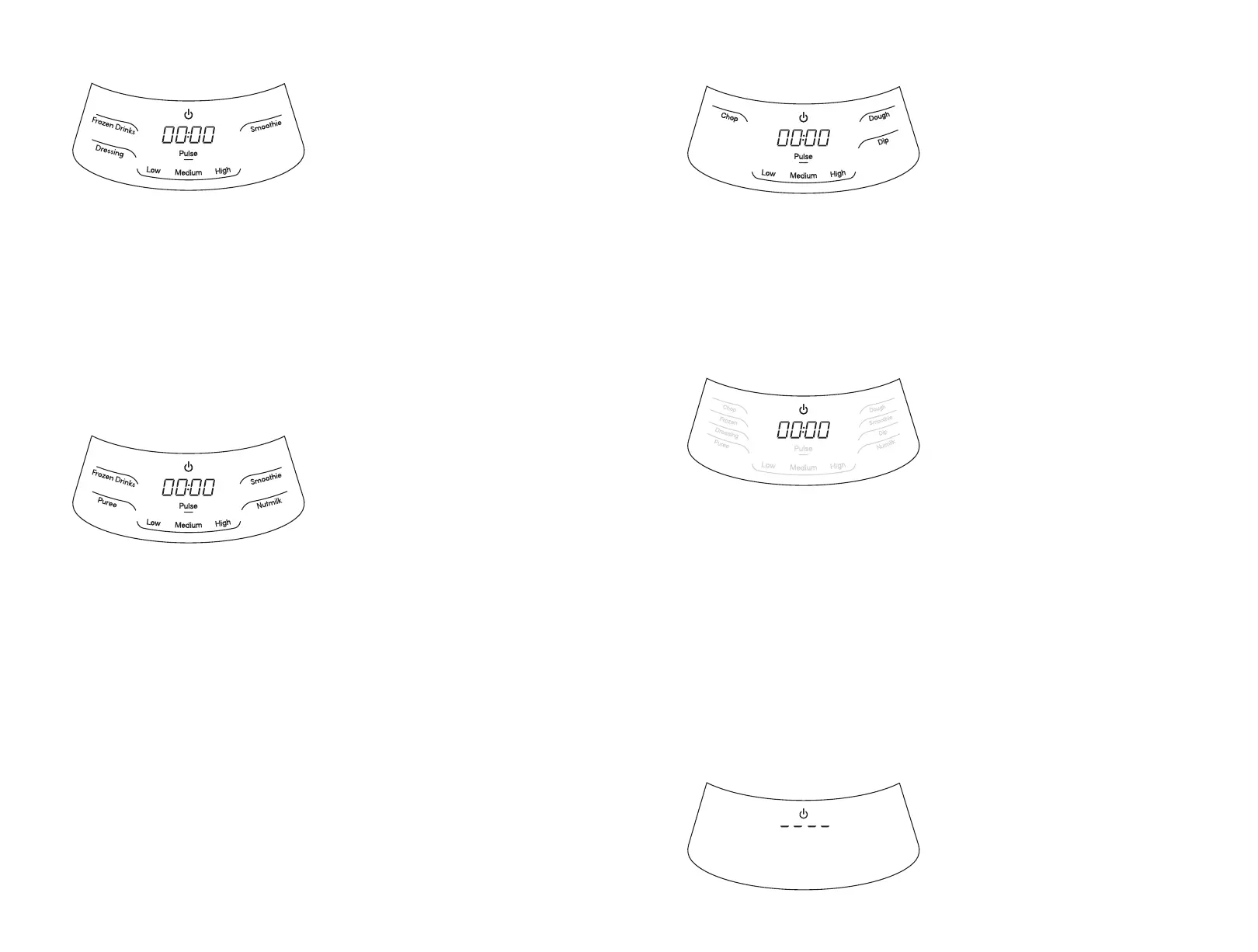
SINGLE SERVE MODE
Preset programs for using
Single-Serve Cups:
Dressing: Use for
small-batch dressings
for salads.
Frozen Drinks: Perfect
for ice-blended mocktails
or cocktails and frappe
style drinks.
Smoothie: Blends fresh and
frozen fruits and vegetables
into creamy smoothies.
This is how the display
interface appears when the
unit base is powered on without
an attachment locked in place.
FOOD PROCESSING MODE
Preset programs
for food processing:
Chop: Use for chopping fresh
ingredients like onions.
Dough: Use for mixing small
batches of dough, like pizza or
tortilla dough.
Dip: Great for mixing salsas
and other chunky dips.
SLEEP MODE
All lighted programs and
speeds will be dim in Sleep
Mode, except for the Power
Button and the Timer display.
Once a program has completed
for any of the attachments
or a manual speed has been
stopped, the display interface
will go into Sleep Mode at
the end of any program or
blending speed, or after 60
seconds of inactivity. To wake
the display interface up, simply
tap any of the programs or
speeds on the interface. Once
awoken, you may proceed to
select any speed or program
for use. To power o , press the
Power Button while in Sleep
Mode to turn the unit o .


 To Next Page