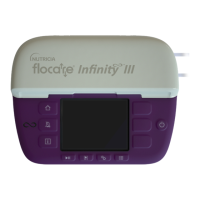
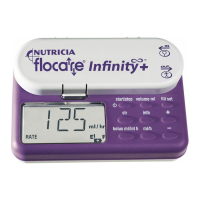
OPERATING INSTRUCTIONS
INSERTION OF THE FLOCARE
®
INFINITY
™
PUMP SET
• Connect the set to the feed container as instructed on the packaging of the Flocare
®
Infinity
™
pump set.
Remove the dust cap from the step connector.
• The Flocare
®
Infinity
™
+ pump sets are equipped with an “automatic free-flow protection”, as a consequence
the set has no roller clamp.
Fill the pump set completely with feed by gently pinching on the side of the cassette that is marked with a
drop (point A on figure 5a) or fill the pump set with help of the pump (see paragraph: filling the pump set).
• Open the pump door by pressing up on the lower wall and rotating the door upwards at the same time
(see figure 5b).
• Position the looped section of the silicone tubing around the rotor.
Stretching lightly, (see figure 5c) seat the cassette into the pump (see figure 5d).
• Close the pump door
SWITCHING “ON”
For proper pump operation, make sure the pump door is closed prior to switching the
pump on by holding the “ON/OFF” key for 2 seconds otherwise the pump will gene-
rate an error.
The pump beeps and carries out a short self test, showing the pump serial number
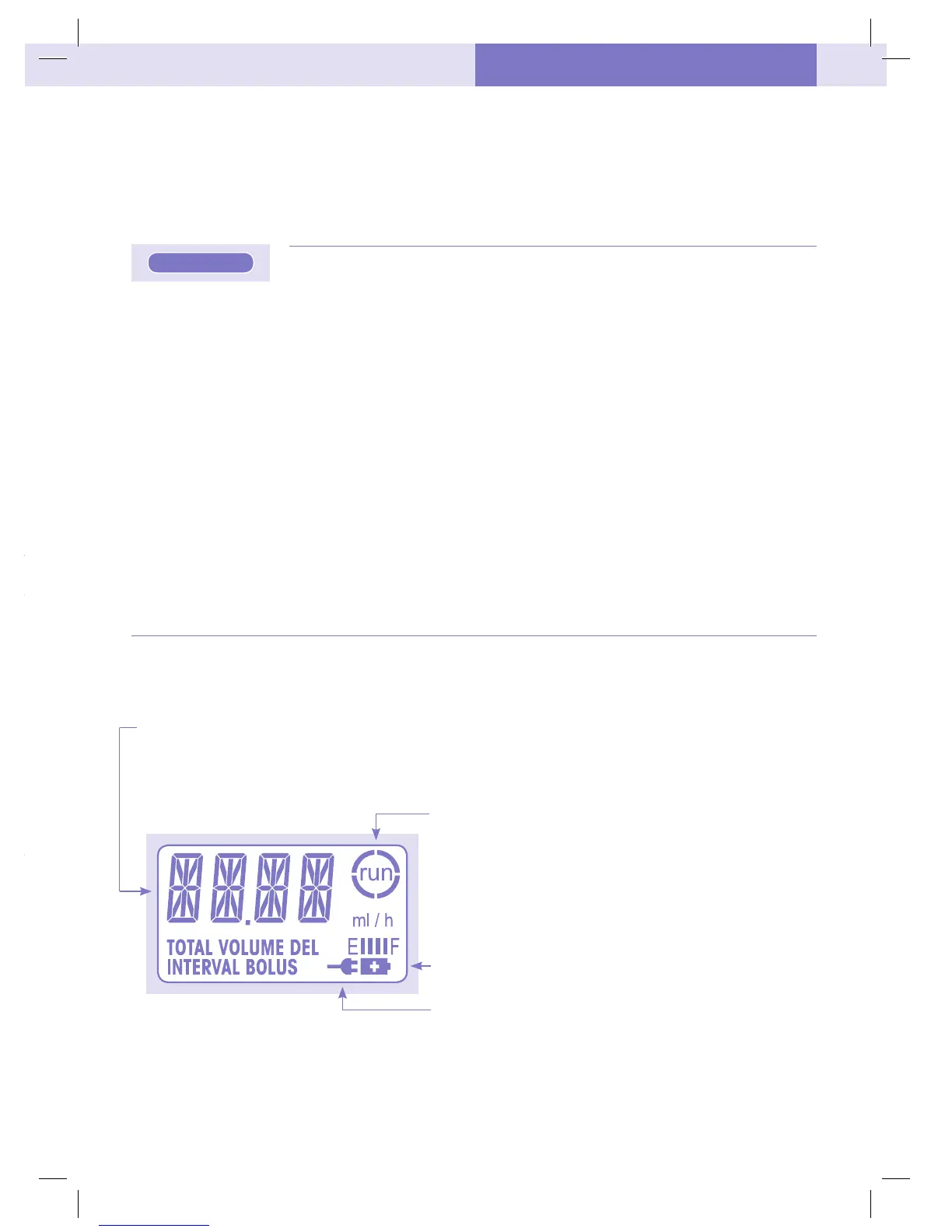
in 8 digits. Verify that all display segments and symbols are active as shown in figure
6 (see next page).
The pump displays the total volume delivered since the memory was cleared and
switches in the hold mode ready for programming.
SWITCHING “OFF”
Press the key and keep it pressed for 2 seconds. A continuous alarm will be heard
and the pump switches off.
The feeding program (installed parameters) and total volume administered since the
last clearance will be retained in the pump’s memory.
If the pump shuts down due to low battery voltage, the memory will be retained for
24 hours.
“HOLD” MODE
To temporarily pause the pump, or switch into “hold” mode whilst
operating, press the “start/stop” key once. Three beeps are heard and the run symbol
disappears. The programmed flow rate (ml/h), volume (volume ml), the bolus volume
(bolus ml), the bolus interval (int h) and the administered volume (info) are retained.
The “hold” mode is used to temporarily stop the flow of feed:
• to change the feeding program (installed parameters),
• to change the feed container,
• to administer medication without switching the pump off,
• to silence an alarm and correct problems.
After 3 minutes a two tone audible alarm sounds and the message “PUSH STRT” appears in the display.
Press “start/stop” to stop the alarm and to extend the hold mode by a further 3 minutes or press “start/stop”
twice (3 beeps will be heard) to resume programmed settings.
FILLING THE PUMP SET
The FILL SET function offered by the Infinity pump is used to fill a (new) feeding
set with nutrition (or water as the case may be). When the FILL SET function runs all alarms are deactivated
helping avoid alarms being inadvertently triggered (e.g. air alarm).
The FILL SET function should only be used to fill an empty (air-filled) feeding set. Use of the FILL SET function at any other
time may cause the pump to incorrectly calibrate.
When the FILL SET function is initiated the pump will calibrate to the giving set.
When the pump is in the hold mode:
Press and hold the “fill set” key for 2 seconds to activate the “fill set” manoeuver. Release the button as soon
as the pump generates a beep and starts pumping at a flow rate of approx. 700ml/h. During this manoeuver
the message “FILL SET” appears in the display. The pump will automatically stop when the Flocare
®
Pack
Infinity
™
pump set is completely filled with feed. However this “fill set” manoeuver can at anytime be stop-
ped by pushing the “fill set” key a second time. The pump will return to the hold mode when the “fill set”
manoeuver is complete or stopped.
DISPLAY
The pump has a liquid crystal display (L.C.D.) with large alphanumeric characters, smaller symbols, words
and a back light.
The following information can be found in the display:
• Flow rate (ml/h), volume (ml) and interval (h) are displayed through the large characters. Words below
describe what the number relates to (ml/h, total volume, volume bolus, interval bolus, total volume del).
The pump also displays messages, for example “END OF DOSE” will appear when the pump has finished
delivering a single feed dose.
• The arcs around the run symbol rotate when the pump is
running.
• The remaining battery capacity (see paragraph: battery
operation).
• The wall plug symbol indicates that the charger is plugged
in.
The back light of the display turns off 10 seconds after the last key is pressed.
The back light will switch on for 10 seconds when the charger is connected to the mains.
Figure 6
fill set
UK
ZMNL900097_AW.indd 21 24/01/12 7:29 PM


 To Next Page