-69-
• to administer medication without switching the pump off,
• to silence an alarm and correct problems.
After 3 minutes a two tone audible alarm sounds and the message “PUSH STRT” appears in the displa.
Press “START/STOP” to stop the alarm and to extend the hold mode b a further 3 minutes or press “START/
STOP” twice (3 beeps will be heard) to resume programmed settings.
FILLING THE PUMP SET
The FILL SET function offered b the Infinit pump is used to fill a (new) feeding set with
nutrition (or water as the case ma be). When the FILL SET function runs all alarms
are deactivated helping avoid alarms being inadvertentl triggered (e.g. air alarm).
The FILL SET function should onl be used to fill an empt (air-filled) feeding set. Use
of the FILL SET function at an other time ma cause the pump to incorrectl calibrate.
When the FILL SET function is initiated the pump will calibrate to the giving set.
When the pump is in the hold mode:
Press and hold the “FILL SET” ke for 2 seconds to activate the “FILL SET” maneuver. Release the button as
soon as the pump generates a beep and starts pumping at a flow rate of approx. 700ml/h. During this maneu-
ver the message “FILL SET” appears in the displa. The pump will automaticall stop when the Flocare
®
Pack
Infinit
™
pump set is completel filled with feed. However this “FILL SET” maneuver can at antime be stopped
b pushing the “FILL SET” ke a second time. The pump will return to the hold mode when the “FILL SET”
maneuver is complete or stopped.
DISPLAy
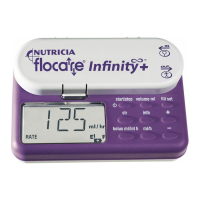
The pump has a liquid crstal displa (L.C.D.) with large alphanumeric characters, smaller smbols, words
and a back light.
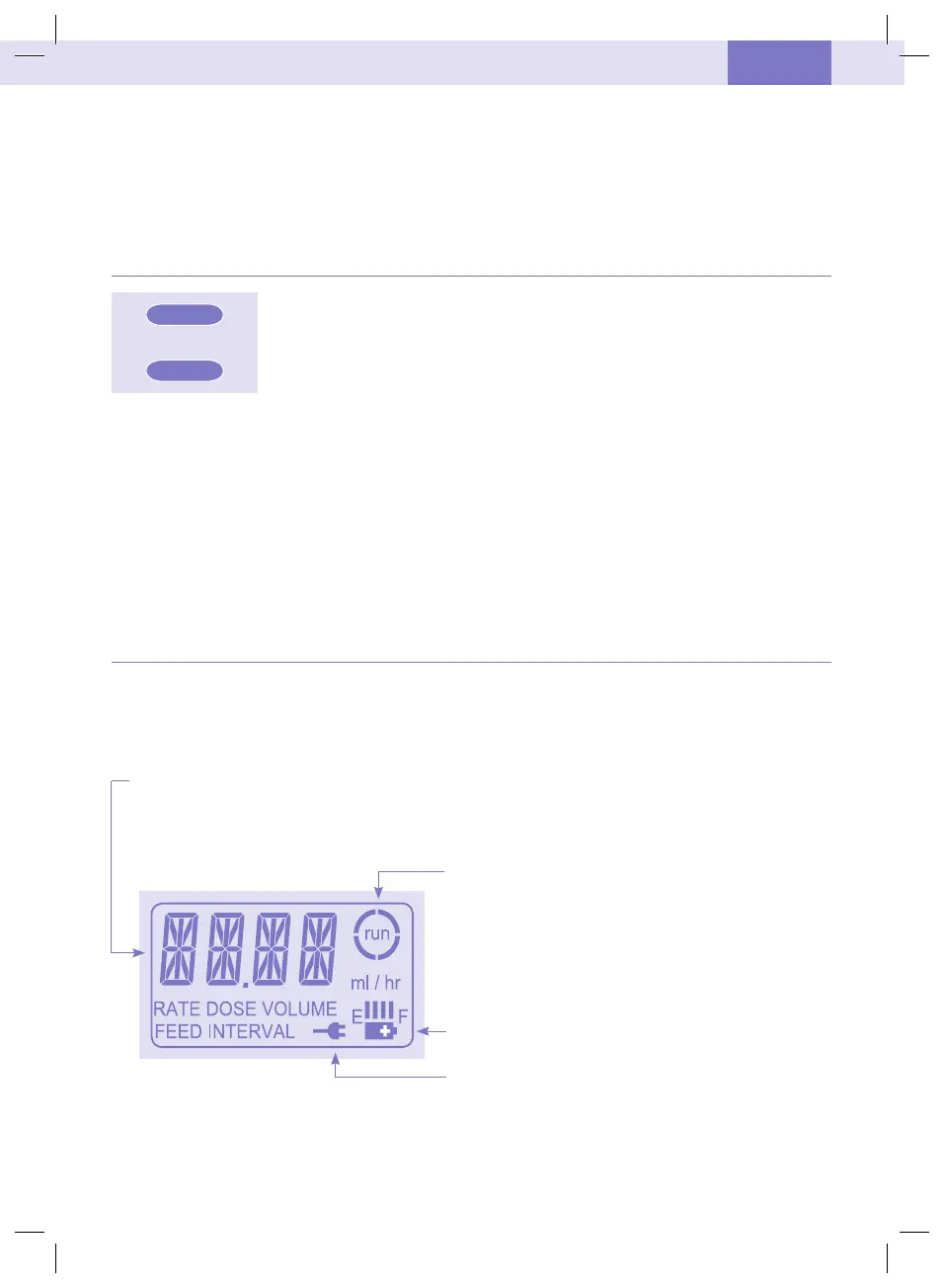
The following information can be found in the displa:
• Flow rate (ml/h), volume (ml), is displaed through the large characters.
Words below describe what the number relates to (rate, dose or volume).
The pump also displas messages, for example “end of dose” will appear when the pump has finished
delivering a single feed dose.
•The arcs around the run smbol rotate when the pump is
running.
•The remaining batter capacit (see paragraph: batter
operation).
•The wall plug smbol indicates that the charger is plugged in.
The back light of the displa turns off 10 seconds after the last ke is pressed.
The back light will switch on for 10 seconds when the charger is connected to the mains.
Figure 6
ON/OFF
FILL SET
d
UK-IE
ZMNL400336_AW.indd 71 3/18/10 3:47:42 PM


 To Next Page
 Loading...