Adding Culture and Fermenting Yogurt
1. Allow pasteurized milk to cool down below 43°C (110°F) and stir
active culture.
2. Place the pressure cooking lid in the cooker base rim and lock in
properly.
3. Press down pressure release button (Venting position)
Note:
• When using Yogurt program, the pressure release button
must be in Venting position.
4. Press Yogurt button and set to Med mode. The screen displays
08:00.
5. Optionally, adjust the fermentation time using – or + and Hour/
Min button, according to your recipe.
6. Press START button to begin cooking.
Note:
• If START button is not pressed after program settings, the
cooker automatically begins cooking after 10 seconds.
7. Once cooking begins, the screen displays time counting up from
00:00 until the time set.
8. Once fermentation is completed, cooker beeps and displays End.
This is a non-pressure cooking program which is used for making
Yogurt. It involves two steps – Pasteurizing Milk and Culturing Yogurt.
Yogurt.
Cooking
Program
Cooking
Modes
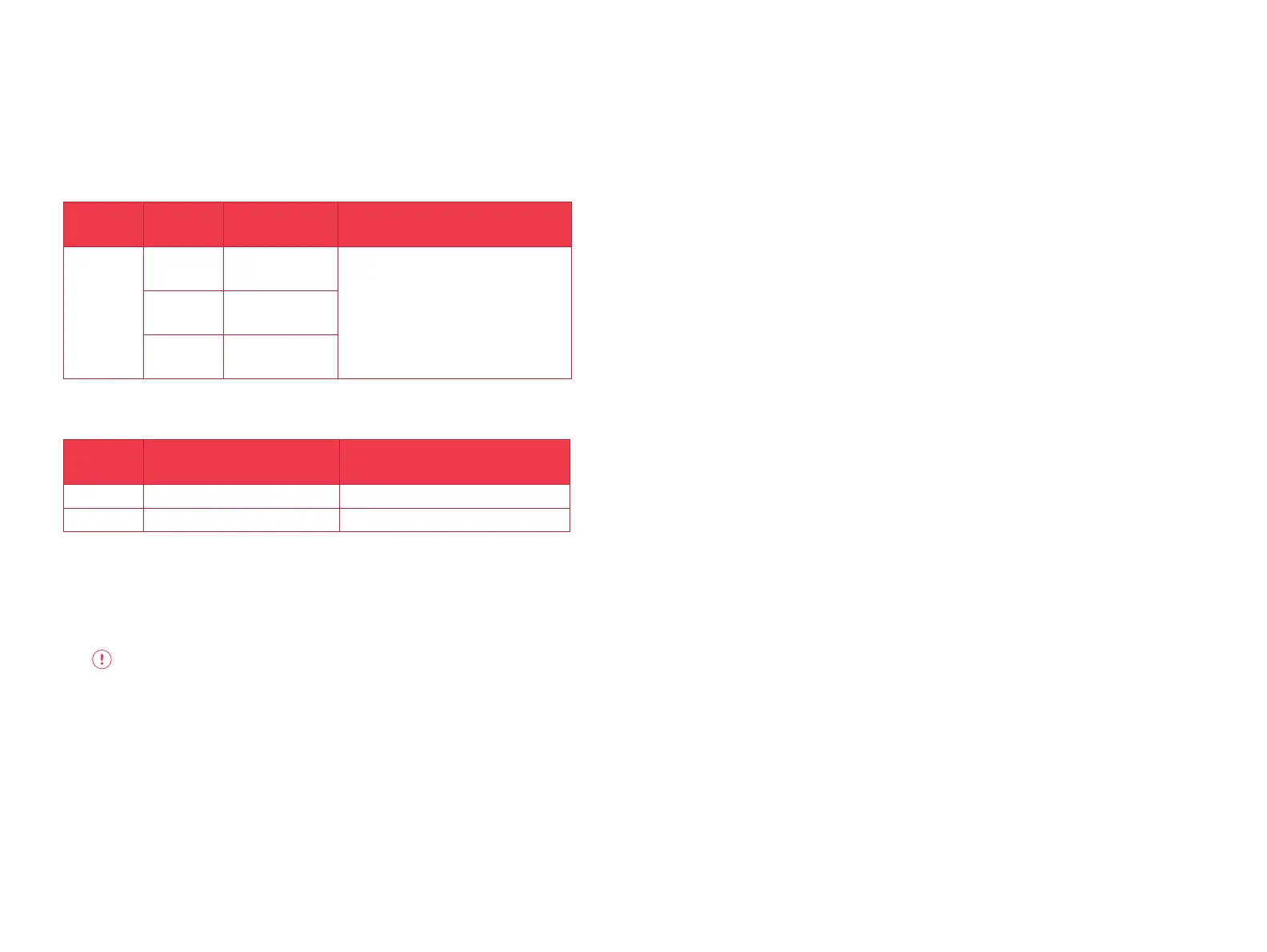
Suggested Use Notes
Yogurt
Low
Lower temperature
fermentation.
Milk must reach a minimum of 72°C for
pasteurization to occur.
Allow pasteurized milk to cool to below 43°C.
8 hours is standard for fermentation, but a longer
period will result in tangier yogurt.
Press Yogurt button repeatedly to cycle through
Low, Med, High modes.
Med
Fermeting milk after
culture has been
added.
High Pasteurizing milk.
Note: The cooking modes - Low, Med, High refer to dierent temperatures.
Follow the below steps for safe use.
Pasteurizing Milk
1. Open and remove lid.
2. Remove the inner pot from the cooker base.
3. Add unpasteurized milk in the inner pot.
4. Place the inner pot into the cooker base.
WARNING: Ensure that the outside surface especially the bottom
part of the inner pot is completely dry before placing in the
cooker base.
5. Place the pressure cooking lid in the cooker base rim and lock in
properly.
6. Press down pressure release button (Venting position)
Note:
• When using Yogurt program, the pressure release button
must be in Venting position.
7. Plug in cooker to a power outlet.
8. Press Yogurt button. Press again to select High. The screen
displays boil.
Note:
• When Yogurt function is set to High mode, no time
adjustments can be made.
9. Press START button to begin cooking.
Note:
• If START button is not pressed after program settings, the
cooker automatically begins cooking after 10 seconds.
10. Once milk pasteurization is complete, cooker beeps and displays
End.
11. Open the lid and check the temperature using a thermometer.
Note:
• In order for pasteurization to occur, milk needs to reach
temperature not lower than 72°C (161°F).
Size Minimum Milk Volume Maximum Milk Volume
6L 1000 ml (32 oz) 4500 ml (128 oz)
8L 1500 ml (50 oz) 6800 ml (230 oz)
5150


 To Next Page