User Manual of Digital Video Recorder
143
9.4.3 Checking Network Status
Purpose:
You can also check the network status and quick set the network parameters in this interface.
Steps:
Click Status on the right bottom of the page.
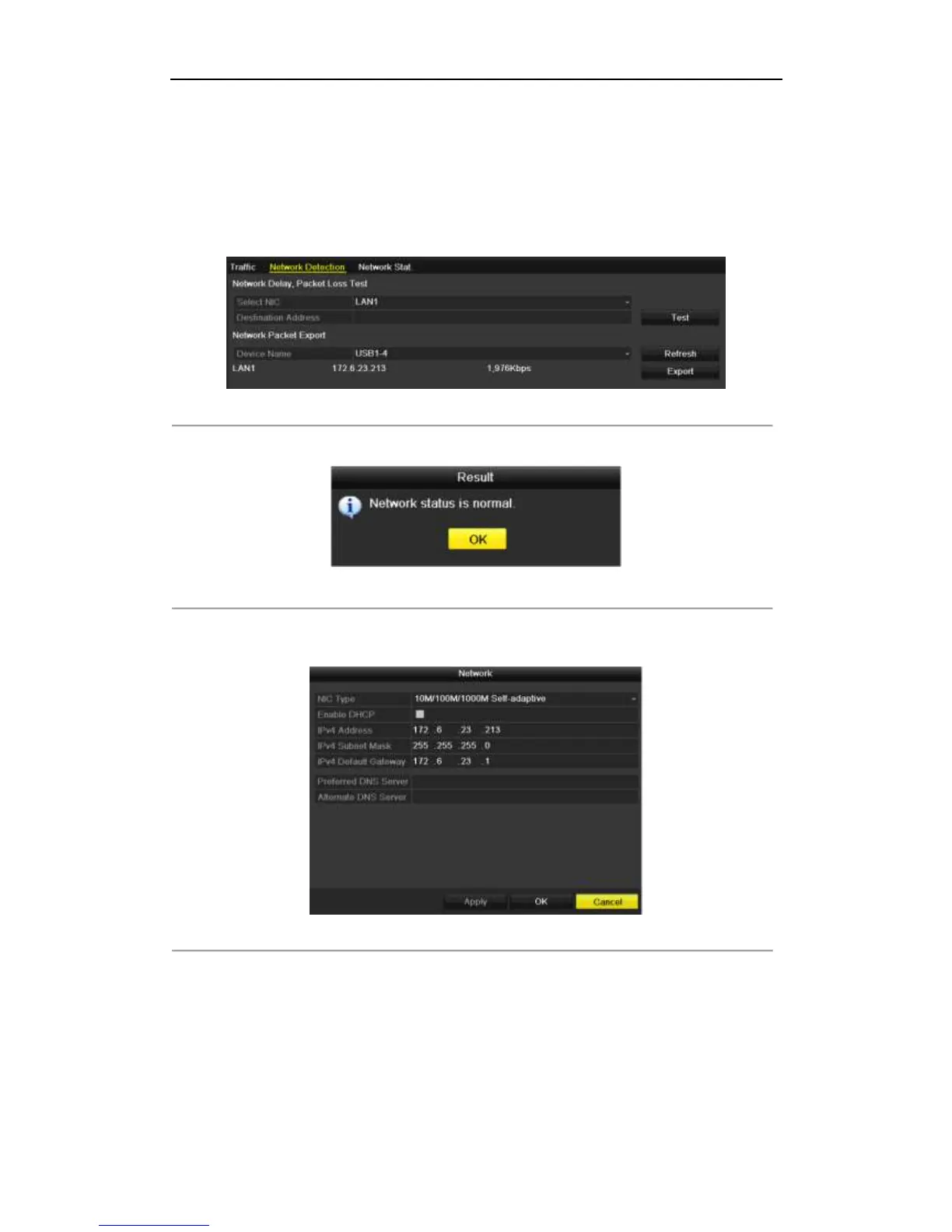
Figure 9. 34 Checking Network Status
If the network is normal the following message box pops out.
Figure 9. 35 Network Status Checking Result
If the message box pops out with other information instead of this one, you can click Network button to show
the quick setting interface of the network parameters.
Figure 9. 36 Network Parameters Configuration
9.4.4 Checking Network Statistics
Purpose:
You can check the network statistics to obtain the real-time information of the device.
Steps:



 To Next Page