User Manual of Digital Video Recorder
43
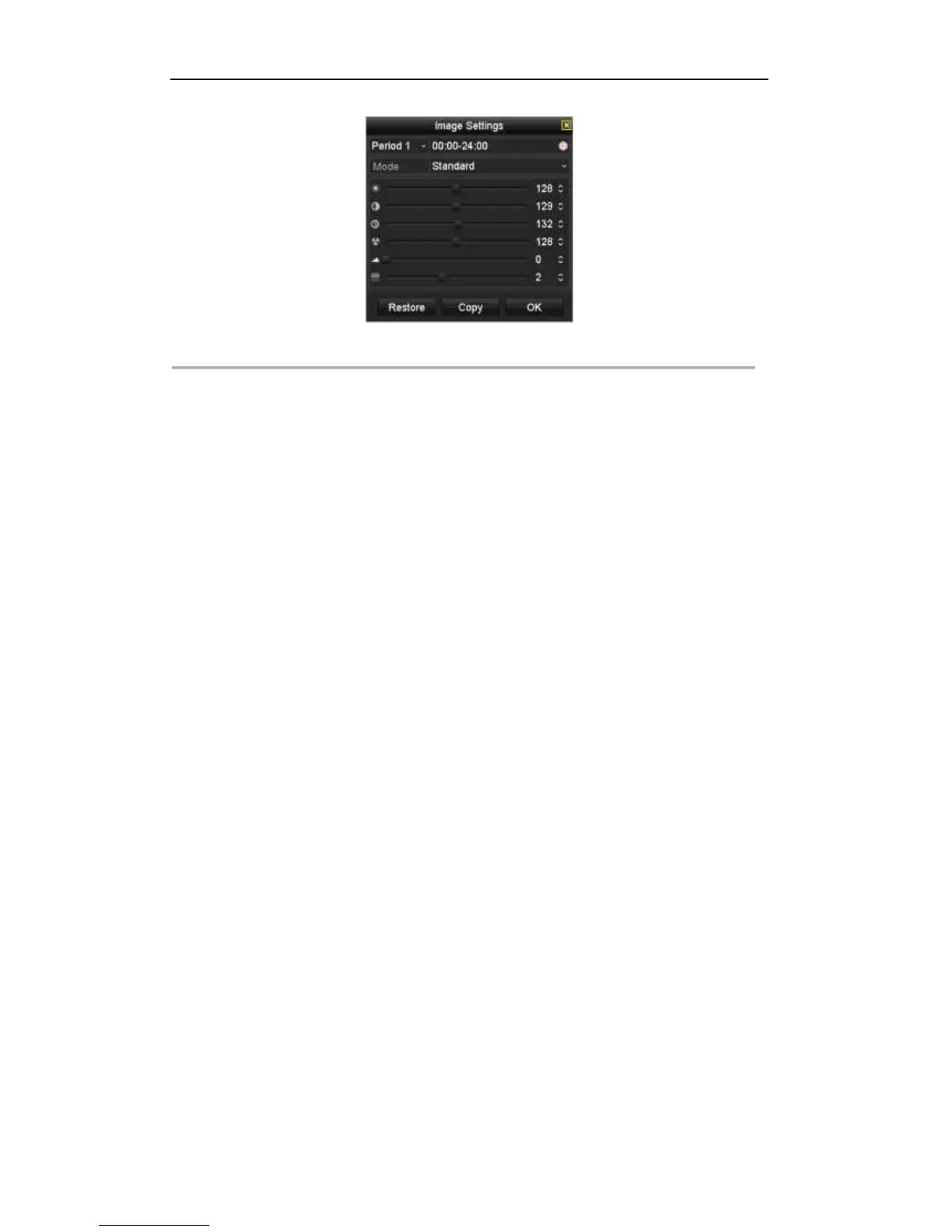
Figure 3. 5 Image Settings
You can adjust the image parameters, including brightness, contrast, saturation, hue, sharpness and denoising.
You can also click Default to restore the default settings and click Copy to copy the image settings to other
analog cameras.
Refer to the Chapter 11.3 Configuring Video Parameters for details.



 To Next Page