User Manual of Digital Video Recorder
68
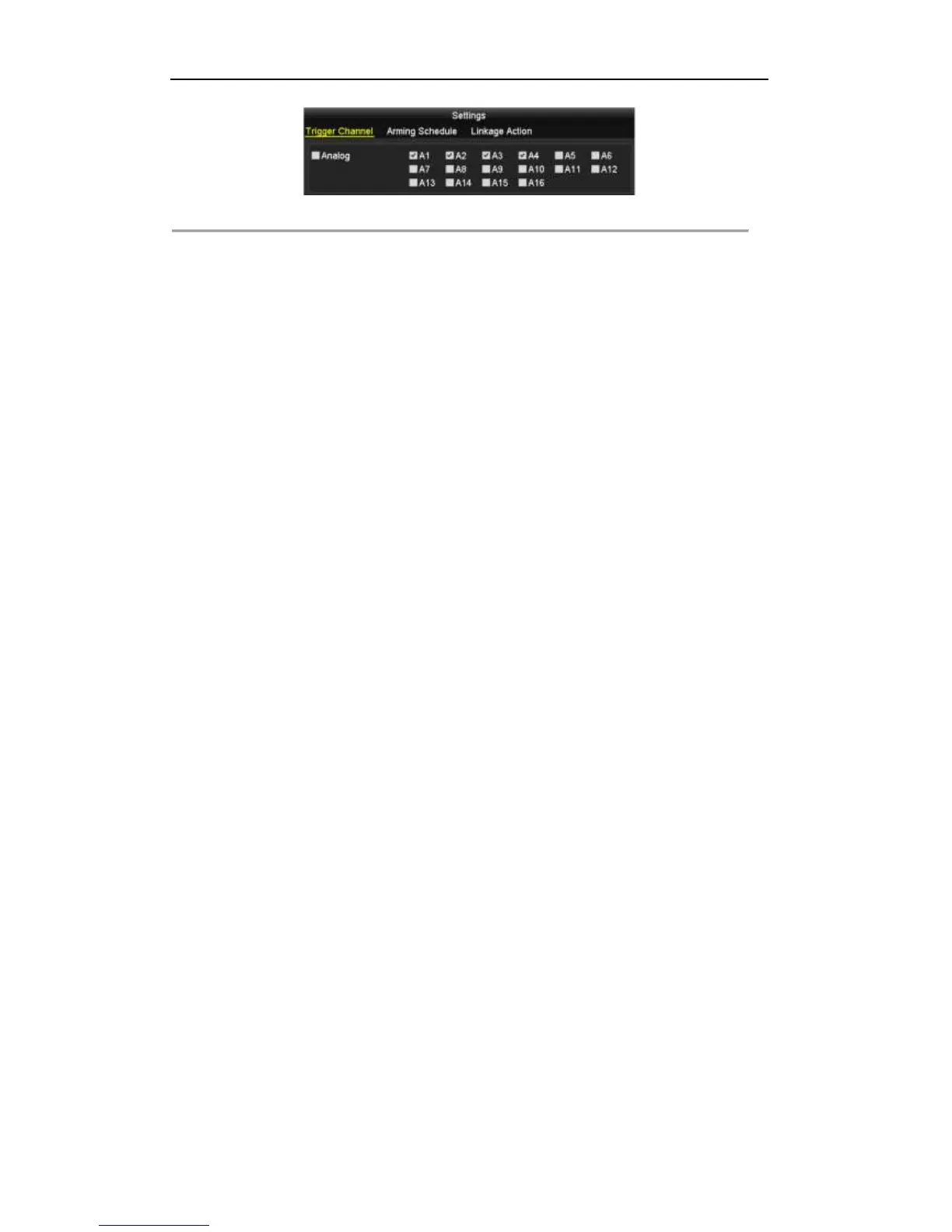
Figure 5. 14 Motion Detection Settings
5) Select the channels which you want the motion detection event to trigger recording.
6) Click Apply to save the settings.
7) Click OK to back to the upper level menu.
8) Exit the Motion Detection menu.
3. Configure the schedule.
Please refer to the step 4 of Chapter 5.2 Configuring Record Schedule, while you may choose Motion as
the record type.



 To Next Page