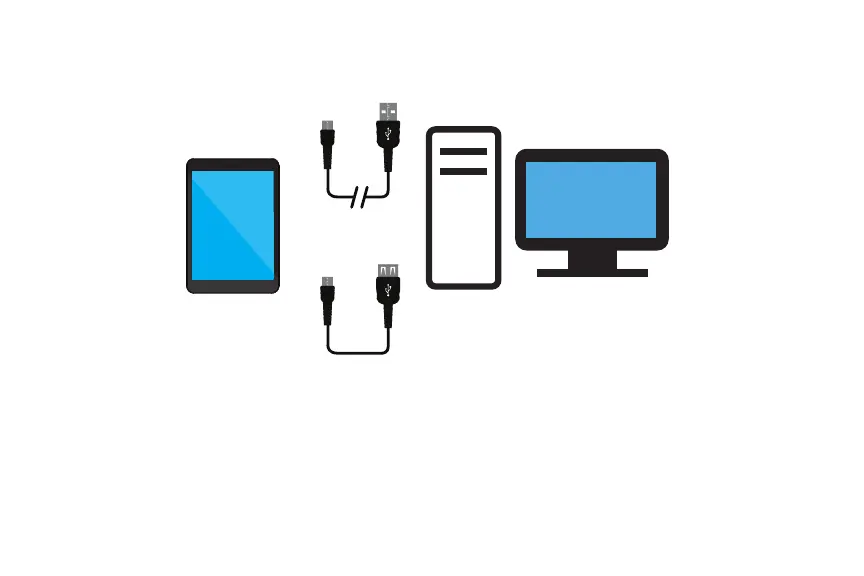
Using Micro USB to view and transfer files
18
Connect to PC, another Tablet
or Storage Device
Transfer Cable
or
To view files from an external or flash drive to the tablet, connect it with the supplied OTG cable and insert into the
micro USB port. Once connected select File Explorer > USB drive. Tap on the folder and/or file to display.
To Disconnect: slide finger down from top of screen to display the dialog status box. Tap Eject to safely unmount.
To transfer files from an external or flash drive to the tablet, connect it with the supplied OTG cable and insert into
the micro USB port. Select File Explorer > USB drive. Tap and hold the folder or file you wish to transfer to the
tablet. Once the dialog box appears, select Copy. Tap the <USB Drive to go back to access Internal Storage. Tap
Internal Storage > select and open the folder. Tap and hold an open area within the folder. Once the dialog box
appears, select Paste to complete the copy transfer.
To Disconnect: slide finger down from top of screen to display the dialog status box. Tap Eject to safely unmount.















 To Next Page