7
Charging Your Tablet
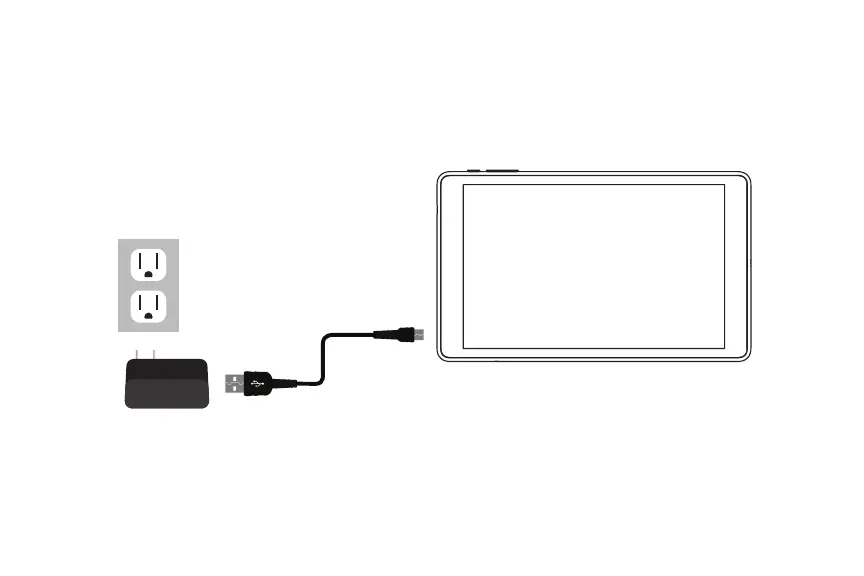
It is recommended to fully charge the tablet before first use. To charge the tablet,
plug the (1) USB cable into the AC adapter, and (2) attach the other end to the micro
USB input on the tablet. (3) Plug the AC adapter into a wall outlet.
If the tablet is on, the battery icon will pulse, showing that it is being charged.
It is fully charged when an icon of a full battery is displayed on the screen.
The tablet will become warm while charging the battery, streaming video, or used
while enclosed in a carrying case. Battery life varies greatly depending on your
internet use. Disconnect charger immediately after the tablet reaches a full
charge.















 To Next Page