11
HOME ROUTER 1
HOME ROUTER 2
MOBILE WIFI 1
MOBILE WIFI 2
COFFEE SHOP
LIBRARY
NEIGHBOR INTERNET
3
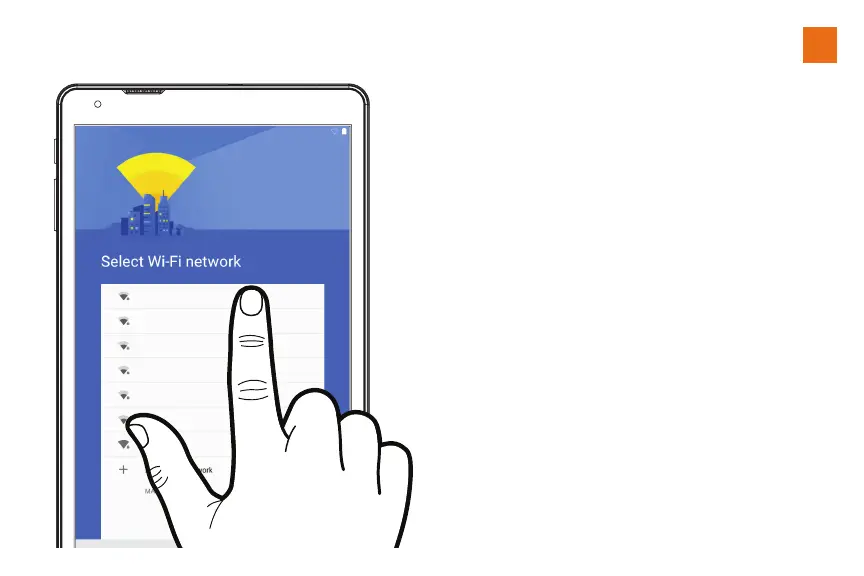
Use the Setup Wizard
Follow the prompts on-screen.
During this process, you will be
able to:
• Connect to a WiFi network
• Add an exisiting Gmail
account or create a new one.
• Personalize the unit
Select a WiFi Network and enter
the Password
or
Select ‘skip’ this section at the
bottom of the list.You’ll be able
to connect later (See page 14.)















 To Next Page