8 9
Connecting the Tablet and Keyboard
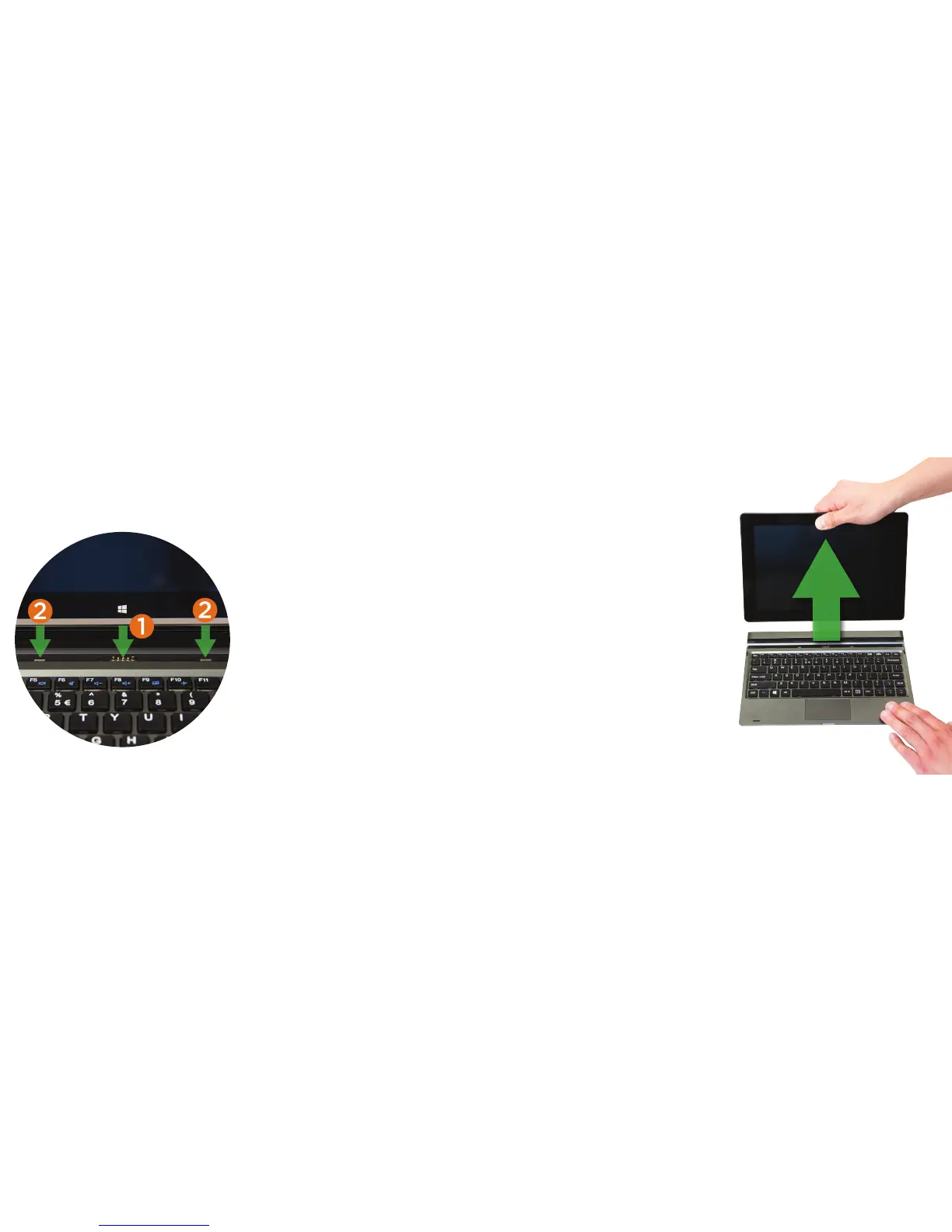
Your tablet features a specially designed magnetic hinge that attaches and secures
the tablet and keyboard together, enabling quick and easy docking.
1. Dock Port
Connect the 5-pin magnetic dock
port to support the keyboard,
touchscreen and USB functions.
2. Hinge Tabs
Align and insert tabs into their
respective holds to attach the tablet.
Undocking the Tablet
Firmly grasp the tablet and secure the
keyboard at the same time, then gently
pull out the tablet.















 To Next Page