11
Battery Care
Operating temperature: Your Tablet is designed to work between 32°F and 95°F
(or 0°C to 35°C). Lithium-ion batteries are sensitive to higher temperatures.
Keep your Tablet out of direct sun light and don’t leave it in a closed
environment susceptible to extreme temperatures.
Recharge anytime: You can recharge the internal battery at any time. However,
we recommend discharging the battery down to 10% or lower level at least once
each month before you recharge it.
10
Charging the Battery
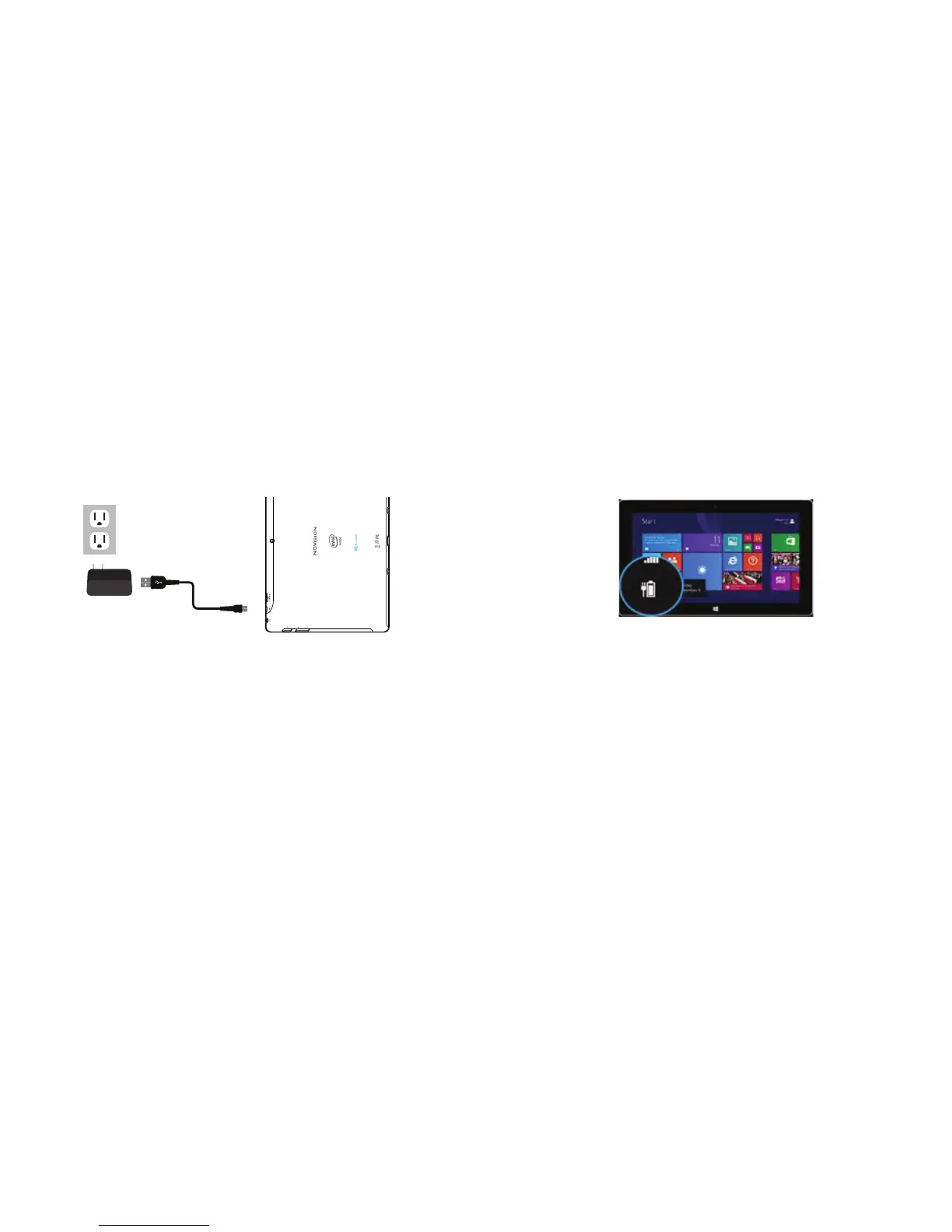
Connect the power adapter to a wall outlet, then to the Tablet as shown.
It is recommended to fully charge the battery before first use. A battery
status indicator appears in the lower left corner. Tap the battery icon to view
percentage of remaining power.
NOTE: It is normal for the tablet to feel warm while recharging and during use.
REMEMBER: Actual play times will vary depending on display settings, apps that
remain open, and your internet usage.
TMAX DIGITAL,INC.
MODEL:TM101W535L
FCC ID: 2AAP6M1042
INPUT: 5V/2A
MADE IN CHINA















 To Next Page