nuwavenow.com | 13
OPERATING THE OXYPURE
TIMER • AIR FLOW ANGLE
Timer
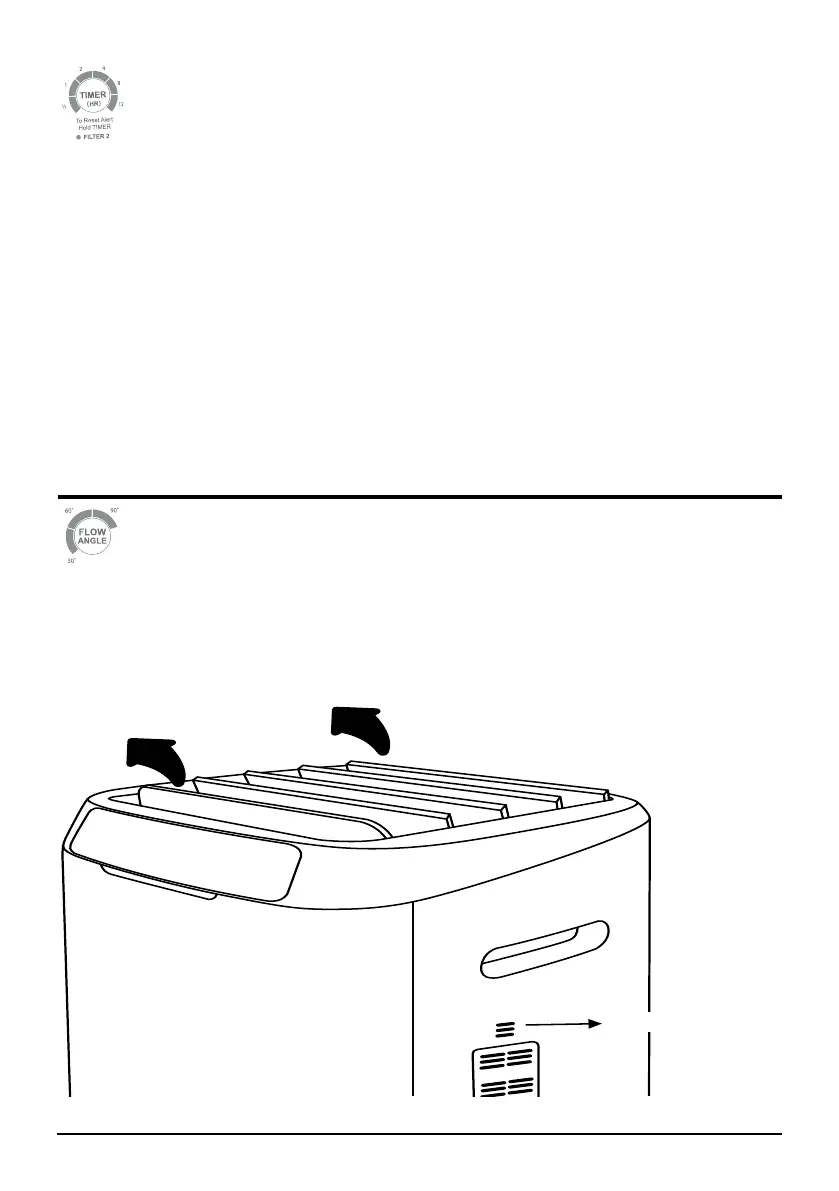
You can adjust the running time by pressing the TIMER button. There are 6 different timing
selections:
• 30 minutes
• 1 hour
• 2 hours
• 4 hours
• 8 hours
• 12 hours
If you press TIMER once, it will work with the selected fan speed for 30 minutes. Press
TIMER twice for 1 hour, three times for 2 hours, etc. Pressing TIMER 7 times will turn off
the Timer function.
Timer can be used along with Auto and Turbo modes:
• When used with AUTO and TURBO: Run TURBO, then run AUTO with a set time.
Air Flow Angle
Pressing Air Flow Angle will allow you to adjust how the clean air leaves the
OxyPure, going from 30° to 60° to 90° and back.
Odor Sensor










 To Next Page