nuwavenow.com | 11
QUICK START
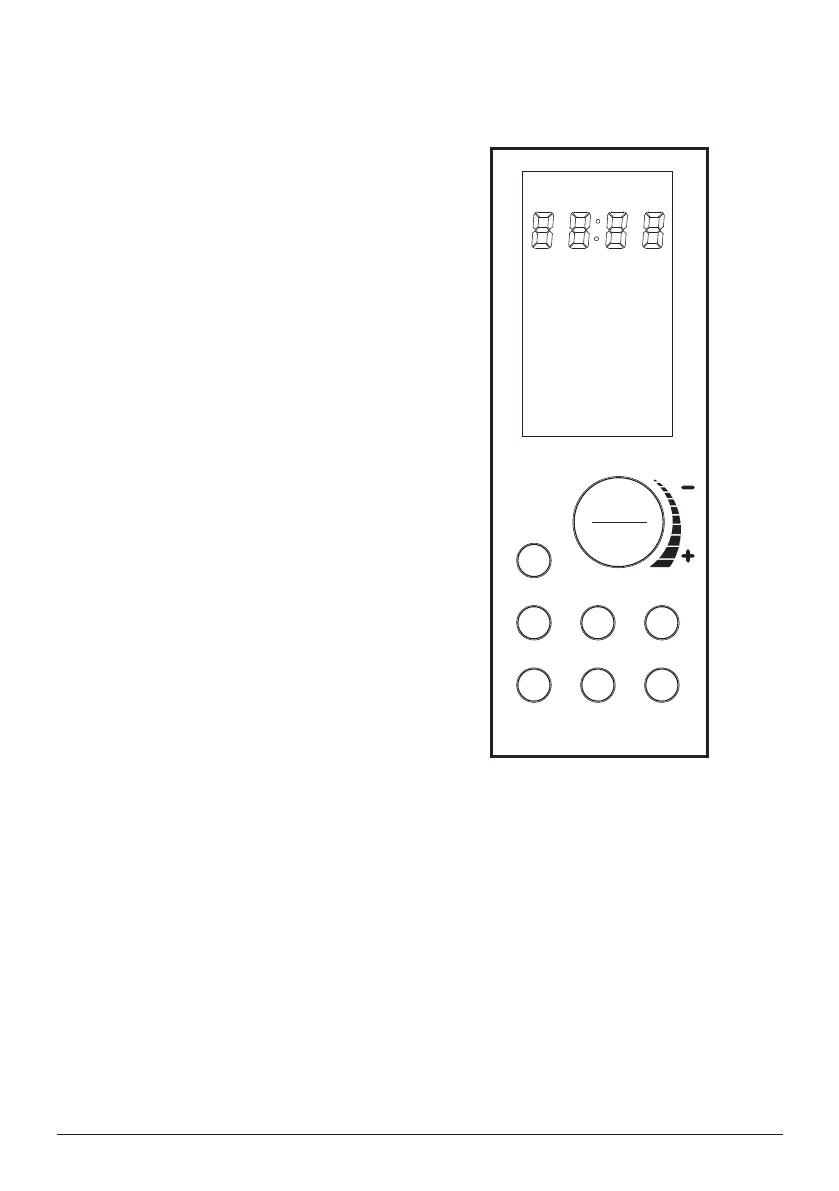
ON/OFF
Turns the Bravo
®
ON and OFF. This
also stops any cooking function. While
cooking press ON/OFF to cancel the
cooking function and turns the Bravo
off.
START/PAUSE
Press START/PAUSE to start and pause
cooking at any time. Press
START/PAUSE for 3 second (until you
hear a beep) to mute and unmute the
Bravo.
MENU
Choose between the 12 cooking Menu
options. Each menu selection has a set
temperature and time. Press MENU
or turn START/PAUSE to choose your
desired Menu.
TEMP and TIME
Allows you to adjust temperature and
time before and during the
cooking process.
TOP/BTM
Adjust the temperatures of the top and
bottom heating elements.
Default is set to 100/100.
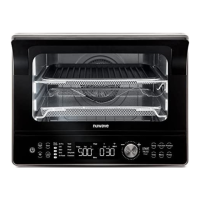
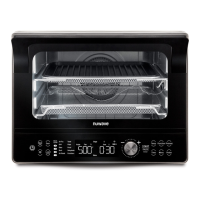
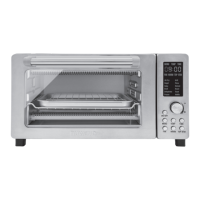
Bravo 3 Convection Oven
Control Panel_shunde
2018.10.27.
/
/
WARM
Keeps your food warm after cooking and quickly warms your favorite leftovers. Press
and hold WARM until you hear a beep (about 3 seconds) to use the warm function
independently.. Default is 140ºF for 1 hour.
FAN
Select from 3 fan speeds or turn the fan off.


 To Next Page