12 | nuwavenow.com
Getting Started
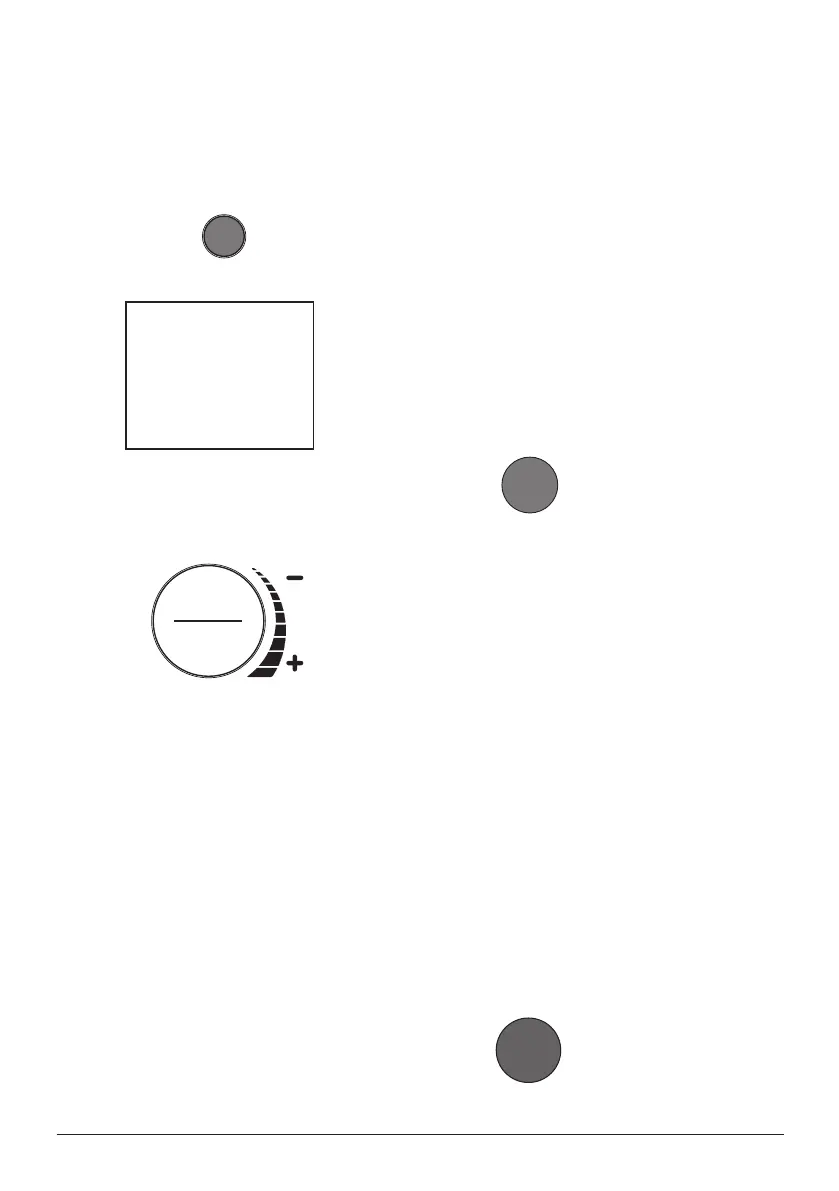
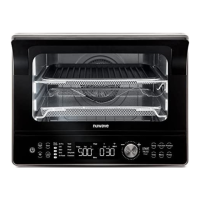
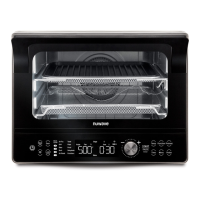
1. Press ON/OFF once to turn your
Bravo on.
2. Press START/PAUSE to begin
cooking at 350°F for 15 minutes,
which are the default settings.
• 00:15 will be displayed, FAN,
TOP and BTM will be illuminated
and a countdown will begin.
• To adjust cooking temperature,
turn the START/PAUSE Dial
clockwise to increase, or
counterclockwise to decrease
temperature in 5°F increments.
• Both the cooking temperature
and time can be adjusted during
cooking by pressing TEMP or
TIME then turn the START/
PAUSE dial to adjust.
• Press START/PAUSE once
during cooking to pause.
3. Press START/PAUSE a second time
to resume cooking.
• Remaining cooking time will be
/
3 5 0
F
INSTRUCTIONS
displayed and the countdown will
continue.
• When the Bravo has finished
cooking, it will beep 3 times and
End will be shown on the display.
Note: Press START/PAUSE for 1 second
(until you hear a beep) to mute and
unmute the Bravo beeps.
TEMP
1. Press TEMP any time you want
to see or adjust the cooking
temperature.
2. The temperature can be adjusted
up or down by turning the
START/PAUSE dial clockwise or
counterclockwise.
3. Press START/PAUSE to begin
cooking at the set temperature.
4. The cooking temperature can be
adjusted at any point before or during
the cooking process by pressing
TEMP and turning the START/
PAUSE dial. The Bravo will continue
to cook at the new temperature.
/
3 5 0
F
TIME
1. Press TIME to see or adjust the
cooking time. Time range as follows.


 To Next Page