16
16
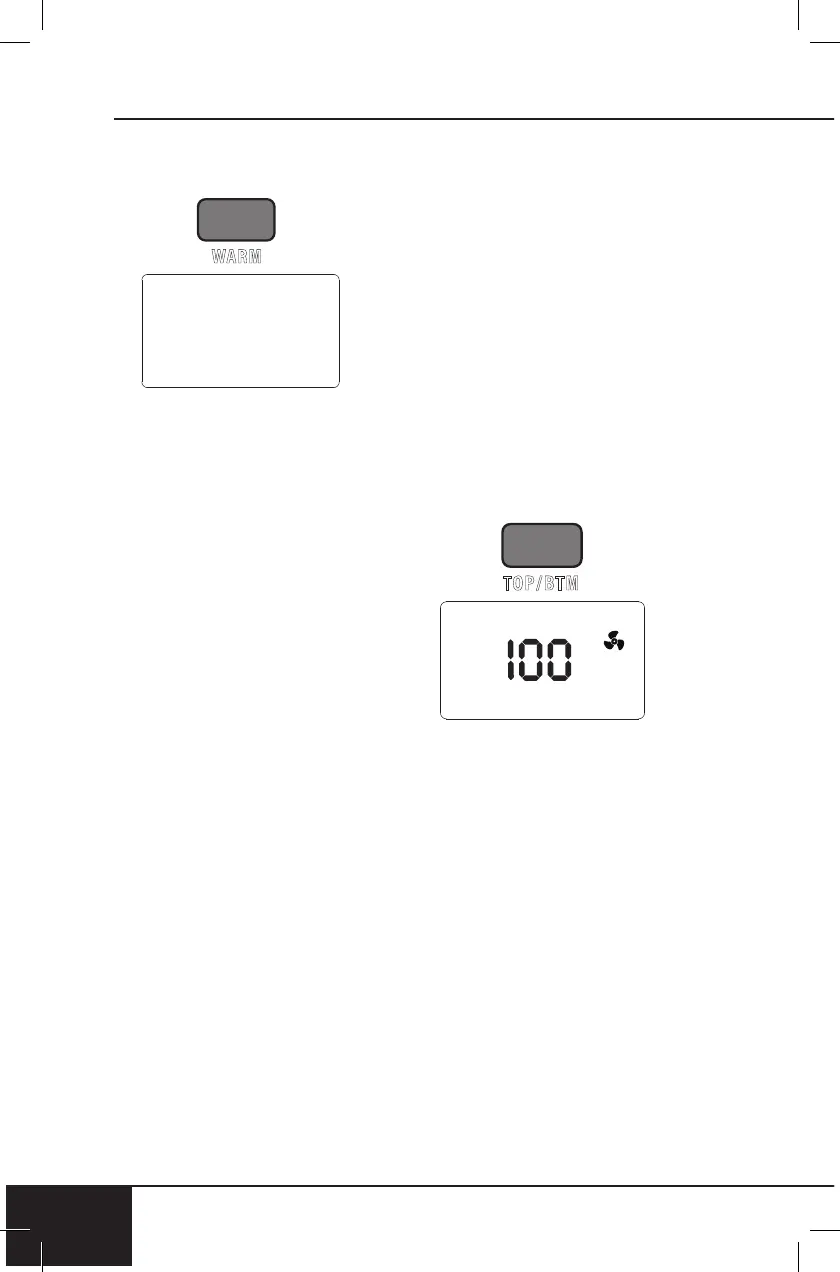
WRM (WARM)
1. Press ON/OFF.
2. Press WRM/FAN. Default
is 140F (60C) for 1 hour
(“01:00”).
• Adjust warming
temperature/time by
turning START/PAUSE
clockwise to increase,
or counterclockwise to
decrease temperature
in 5F (1C) increments.
Quickly turn Dial
to adjust in larger
increments. Temperature
range is 50F ~ 200F
(10C ~ 93C).
• WRM will be displayed
when Warm function is
used.
3. Press START/PAUSE to
begin cooking.
Notes:
• The fan is not on during the
Warm function.
• Warm will always be the last
cooking function executed by
the Bravo. For example, the
order of cooking functions:
Preheat » Sear 1 » Regular
Cooking Cycle » Sear 2 »
Warm » End.
140F
Independent WARM
This feature will keep your food
warm for up 3 hours.
1. Press WRM/FAN and TOP/
BTM at the same time
to turn Individual WARM
feature.
2. Default time is 1 hr max is
3 hr.
3. 50F - 200F (10C - 93C) is
the temperature range.
TOP/BTM
Default – Top 100%, Bottom
100%. This refers to the amount
of heat coming from the top and
bottom heating elements.
1. Press ON/OFF.
2. Press TOP/BTM, 100 and
TOP will be displayed.
Adjust the amount of
heat coming from the top
heating element by turning
START/PAUSE. Adjustable
in 10% increments.
3. Press TOP/BTM again, 100
and BTM will be displayed.
Adjust the amount of heat
coming from the bottom
heating element by turning
START/PAUSE. Adjustable
in 10% increments.
4. After top and bottom heat
percentages have been
chosen, press START/
PAUSE.


 To Next Page