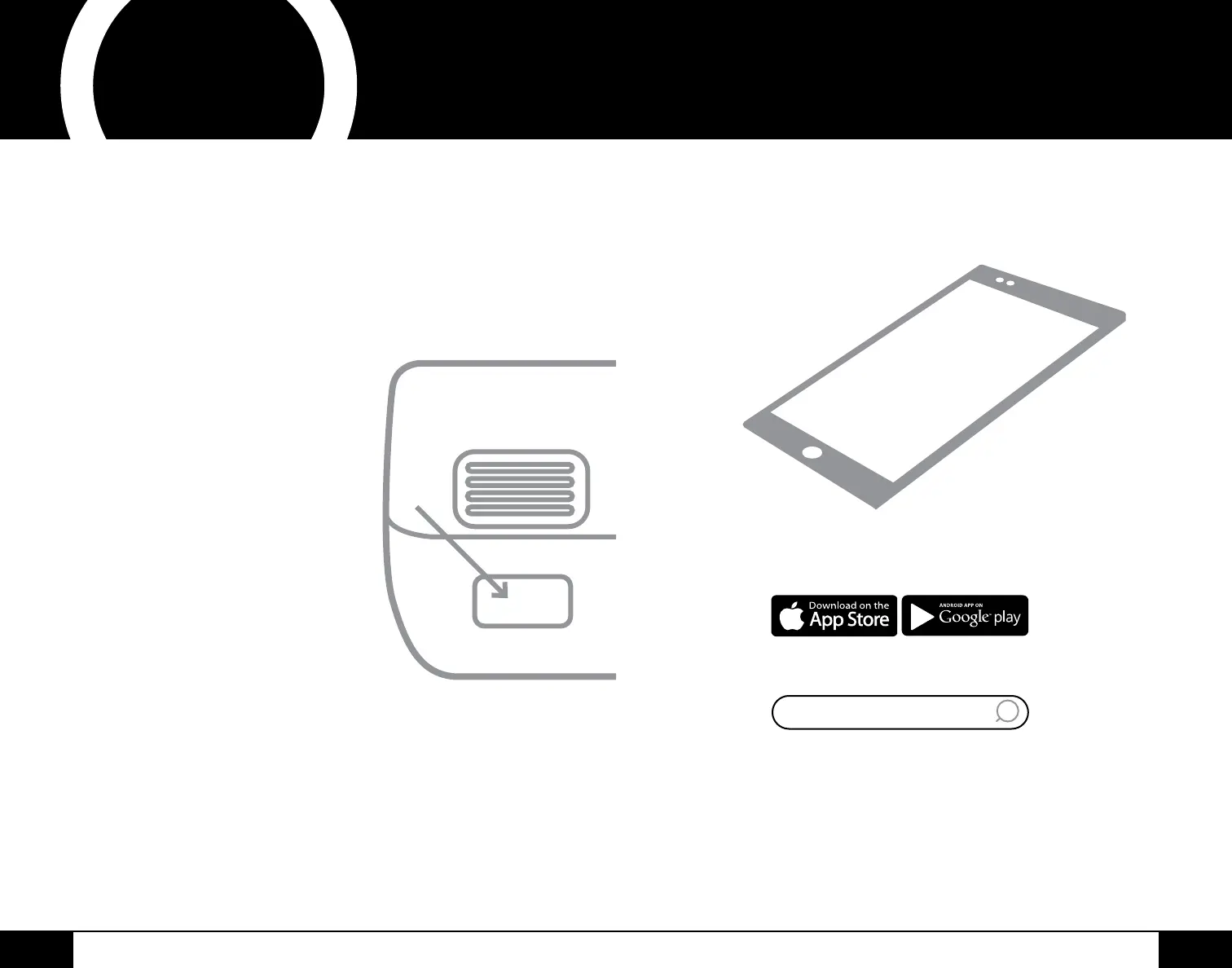
Open your mobile app store
(App Store, Google Play).
Search for "QR code readers."
Simply download the QR code reader to your phone,
open it, scan the code and you are ready to go.
NOTE: You may need to open your downloaded QR
code reader each time you want to scan a QR code.
nuwavenow.com
2 3
nuwavenow.com
2 3
REGISTER
NOW!
3
for an additional
months
warranty!
As a special thank-you for registering your NuWave
Brio, you’ll automatically receive an additional 3 months
added to your limited manufacturer’s warranty!*
All you have to do is follow these simple steps.
Using your smartphone or
smart device, scan the QR code
located on the unit label on the
back of the Brio.
You will be directed to NuWave’s
product registration page with
your Brio’s unique serial number
automatically entered in the
appropriate eld.
NOTE: If you do not have a
web-enabled smart device,
simply visit nuwavenow.com/QR
and manually enter in your Brio’s
serial number.
Fill out the remaining information
and complete the optional survey.
Once you submit your
information, you will receive
a conrmation email containing
your extended warranty details.
1
2
3
4
*Register your product within 1 year of date of purchase for
a free 3-month extension of your limited warranty.
1
2
3
DOWNLOAD THE QR CODE
APP TO YOUR MOBILE DEVICE
QR code readers



 To Next Page