Cleaning the Dust Sensor
The Dust Sensor is located on the side of the unit.
1. Open the Dust Sensor Cover.
2. Using a dry cotton swab or small, soft brush, gently remove any dirt or
dust from the Dust Sensor.
3. For more buildup on the Dust Sensor, wipe it with a slightly wet
cotton swab.
4. Remove any moisture with a dry cotton swab.
• The Dust Sensor requires regular cleaning (approximately every 3
months) for the unit to operate efficiently.
• If your OxyPure is set up in an area with high dust accumulation,
more frequent cleaning of the Dust Sensor is needed.
• Do not use the cotton swab on any part or area other than the
Dust Sensor.
Do not immerse the OxyPure in water. Clean the outside of the
unit with a damp sponge or cloth and wipe it dry. Make sure all
parts and covers are securely attached.
Do not dry the lters in direct sunlight or with a hot blow dryer.
Do not use a vacuum cleaner or too stiff a brush to clean the
Bio-Guard lters or Prelters.
Note: If you are unable to close the Filter Access Panel for any
reason, the OxyPure will not operate and you will need to contact
NuWave Customer Service. Exercise caution to ensure the tabs
are not damaged when securing the Filter Access Panel.
©2022 NuWave
®
LLC • All Rights Reserved. • Customer Service: 1-877-689-2838 • help@nuwavenow.com
Model: 47251 /47261 • 10-14-22 • Item No: BQ47251-47261 • CB-Rev.03
General Filter Cleaning Tips
1. Always Wear a Mask
Prevents accidental inhalation of any contaminants when cleaning
your lters.
2. Move the OxyPure, Not the Filters
Minimizes lter shaking.
3. Handle the Filters Carefully
Be careful not to agitate the lters to avoid releasing trapped
contaminants.
4. Dry the Filters Completely
Never install a wet or damp lter into your OxyPure.
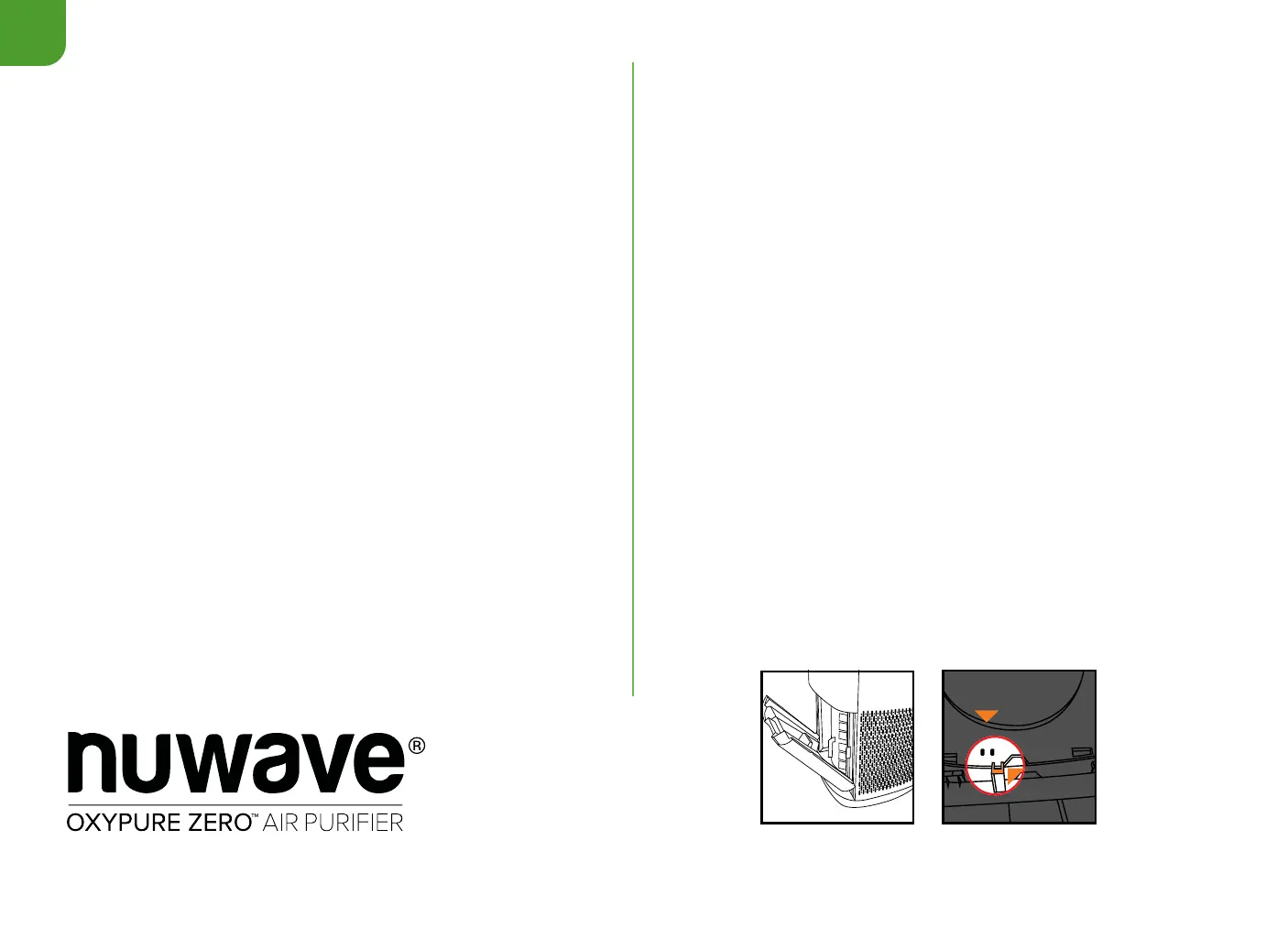
Tab
Sensor
To Clean the Ozone Emission Removal Filters
1. Remove the lters. If possible, take them outside to clean.
2. Gently, but thoroughly, clean the lters using a brush-tipped vacuum.
3. Repeat the process on the other side. DO NOT GET WET.
To Clean the Stainless-Steel Prelters
The Prelters need to be cleaned at least once every two months,
depending on use.
1. Use a brush-tipped vacuum to remove any dust or lint.
Cleaning the Odor Sensor
1. The Odor Sensor is behind the three slots above the Dust Sensor
Cover and may ONLY be cleaned using a brush-tipped vacuum.










 To Previous Page