8 | nuwavenow.com
THE NUWAVE CONNECT APP
MONITOR AND CONTROL THE OXYPURE REMOTELY
Download the NuWave Connect App
This is an optional feature that is not re-
quired to operate your OxyPure.
Using the QR reader in your Camera
App:
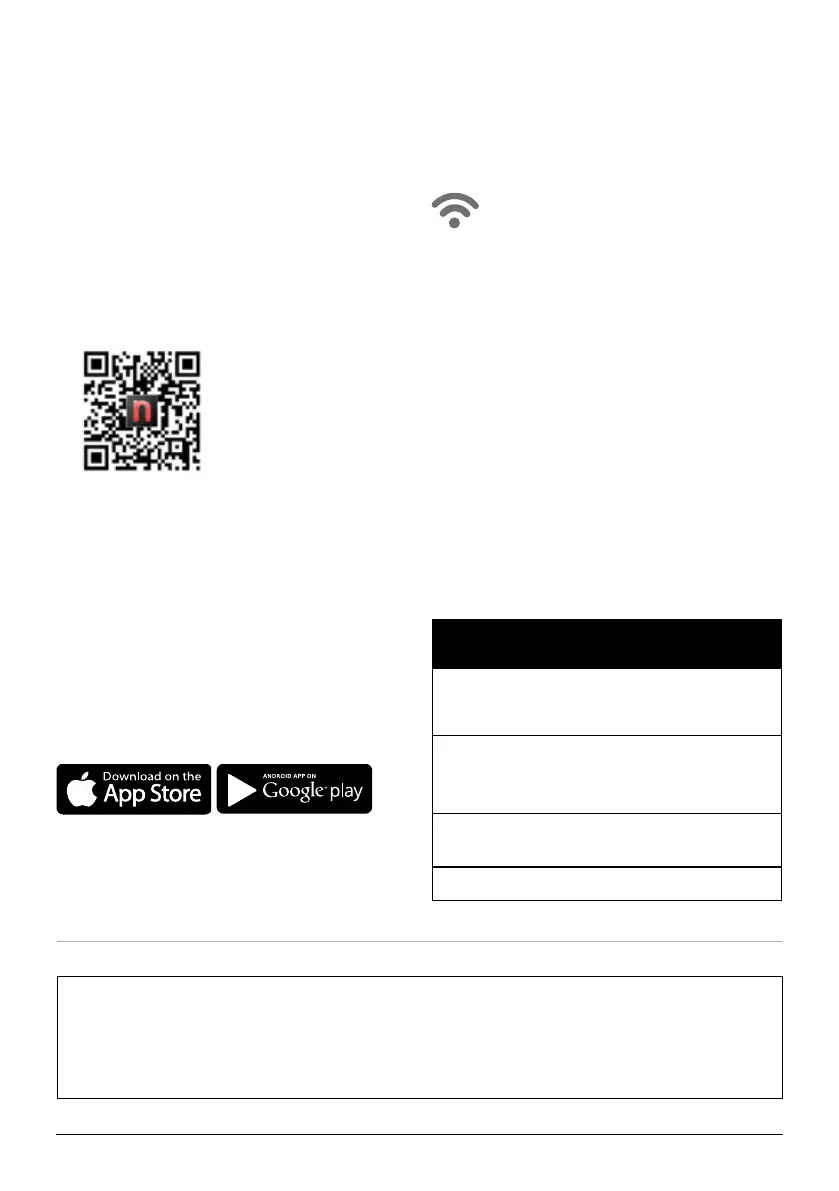
1. Scan the QR code below.
2. It will take you to the App’s download
page on either the Google Play Store or
the Apple AppStore, then just follow the
download and installation instructions.
Downloading a QR reader App:
If your phone doesn’t have that capability
built-in, simply download a 3rd-Party QR
Scanning App before scanning the NuWave
QR Codes and you are ready to go.
1. Open your device’ mobile app store (Ap-
ple App Store or the Google Play Store).
2. Search for “QR code readers.”
3. Simply download the QR code reader to
your phone, open it, scan the code and
you are ready to go.
The OxyPure is equipped to operate using WI-FI. This allows you to conveniently operate
your new air purier from nearly any location, whether at home or while you are out and
about, as long as you have a reliable Internet connection.
WiFi LED Status Light
Pairing Mode & Standby Mode
Solid Light.
The OxyPure is paired with the wi
network and ready to be used.
Rapid Blinking Light.
The OxyPure is in Pairing Mode.
The OxyPure will stay in Pairing Mode for up to
3 minutes or until your device is paired.
Slowly Blinking Light.
The OxyPure is in AP Pairing Mode.
No Light. The OxyPure’s WiFi is off.
Wi-Fi
Auto Scan Mode
1. Once you download the NuWave®
Connect app, ensure your phone is
connected to your home Wi-Fi network
on the 5GHz frequency and that your
phone’s Bluetooth is on.
2. Turn on the OxyPure and activate Wi-Fi
Pairing Mode by pressing and holding
AUTO until the light next to the Wi-Fi
symbol begins to blink rapidly.
3. In the NuWave® Connect app, tap the +
symbol, then tap Auto Scan and select
your device.
4. Enter your Wi-Fi network’s password
and tap Conrm. If the connection is
successful, the app will display “Added
Successfully” on the screen.
If the OxyPure did not connect to your network, the Wi-Fi light will turn off. Repeat the steps
for pairing. Make sure to select the proper Wi-Fi network and type the correct password.
Note: If your home network doesn’t broadcast in a 5GHz or a dual band broadcast frequency,
contact your ISP to inquire about setting up a 5GHz network.










 To Next Page