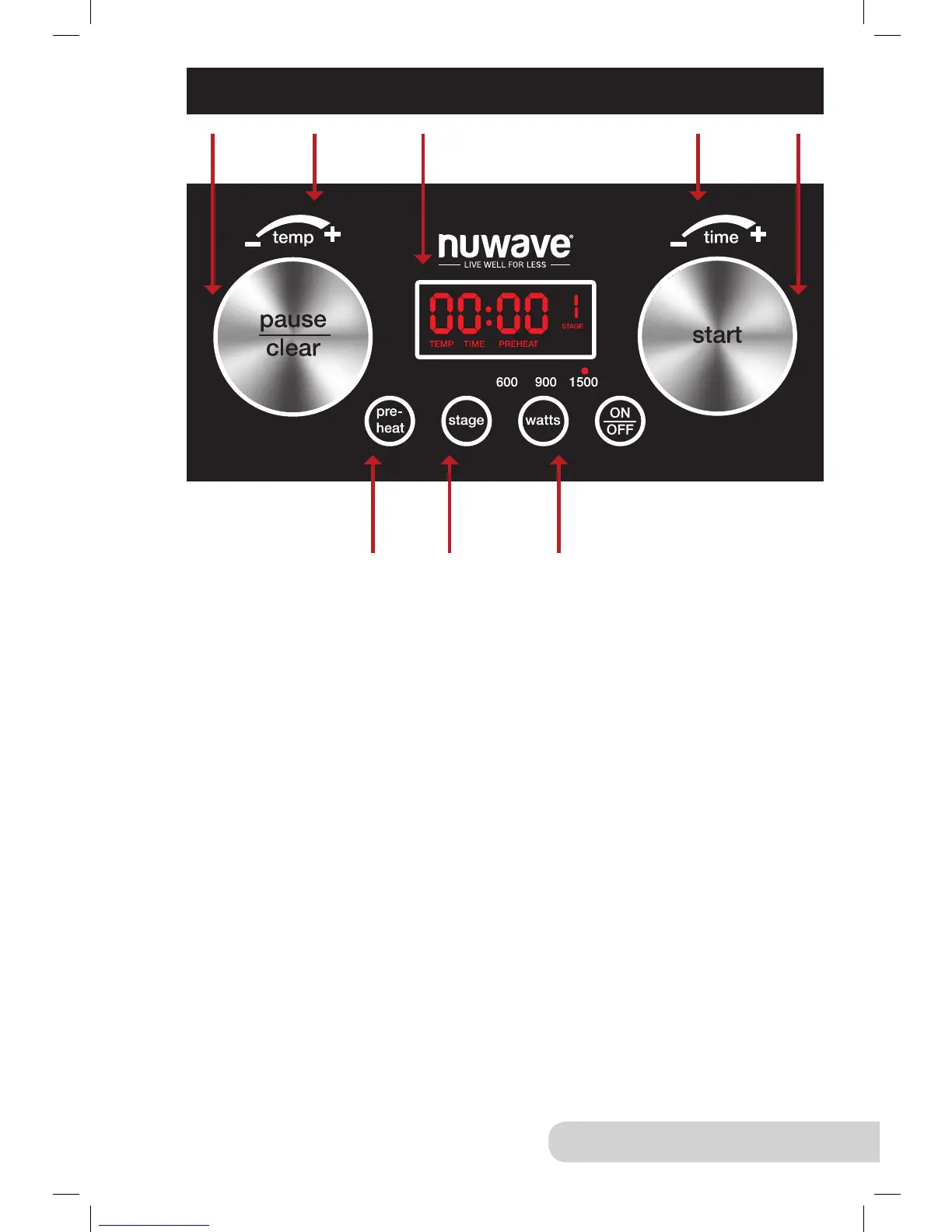
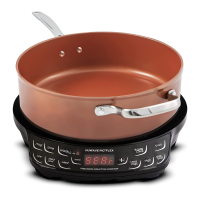
CONTROL PANEL
On/Off Function:
1. Press “ON/OFF” once to turn on. “0” will be displayed.
2. Press “ON/OFF” again to turn the unit off.
Watts Function:
1. The default wattage is set to 1500. Press “watts” repeatedly to switch to
600, 900, and back to 1500 watts.
• When you turn unit off and on again, the previous watts selected will
remain in the Wok until changed.
F/C Function:
1. Press “stage” and “watts” simultaneously until you see “F” or “C” ashing.
2. Press “stage” to switch from “F” to “C” and vise versa.
3. Press “on/off” to complete the selection.
Pause/Clear Function:
1. Press “pause/clear” once to pause the unit.
• The temperature selected will be displayed and “F” will be ashing.
• If have selected “TIME” and you press “pause”, “TIME” will not
be ashing.
• To resume cooking, press “start”.
2. Press “pause/clear” again to clear any program out.
Press to
quickly clear
& pause
Turn to
adjust
temperatures
Digital LED
displays times
& temperatures
Turn to
adjust times
Press
to start
Quickly
heat to
desired
temperature
10 Stages lets
you adjust
temperatures
and times.
3 different
watts.


 To Next Page