UART Interface Connectivity
A UART debug interface is available on the DPU cards via the NC-SI connector. The below
table describes the UART interface location and connectivity per the NC-SI connector type
on the DPU you have purchased.
NC-SI
Connector
Type
UART Interface Location and Connectivity
30-pin For DPUs with onboard BMC, the UART interface is that of the BlueField-2
device. For DPUs without onboard BMC, the UART interface is that of the
NIC BMC device.
NC-SI Connector
Pin #
The signal on DPU without
BMC
The signal on DPU with
BMC
30 BF_UART0_RX BMC_RX5
28 BF_UART0_TX BMC_TX5
25 GND GND
Please note the following:
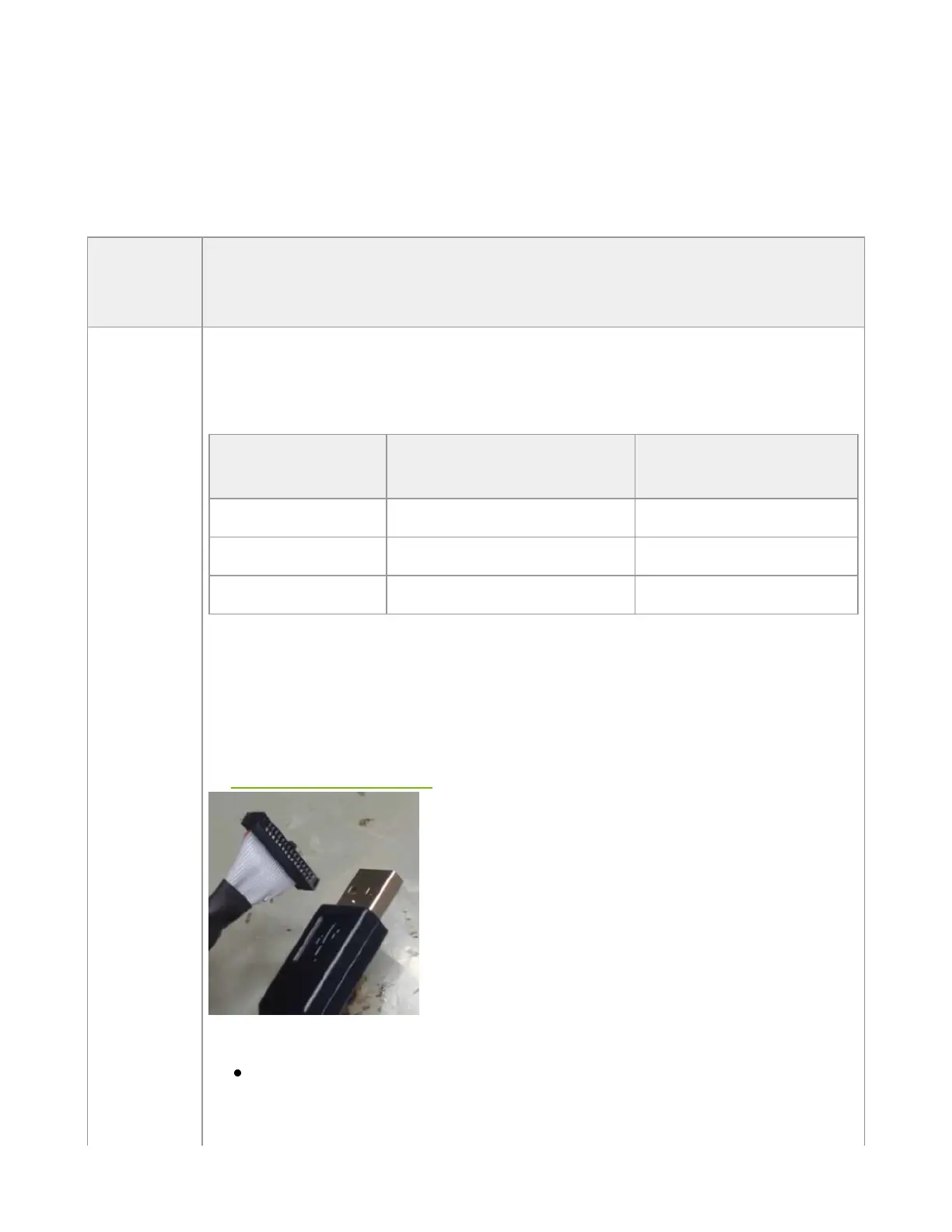
The UART interface is compliant with the TTL 3.3V voltage level. A USB to
UART cable that supports TTL voltage levels should be used to connect the
UART Interface for Arm console access - see example below. Please refer
to UART Cable Installation for installation instructions.
Warnings:
Once a cable is plugged into the UART interface, its other side must
be plugged into a USB connector. Leaving the USB side unconnected
might lead to unexpected behavior of the DPU card.



 To Next Page