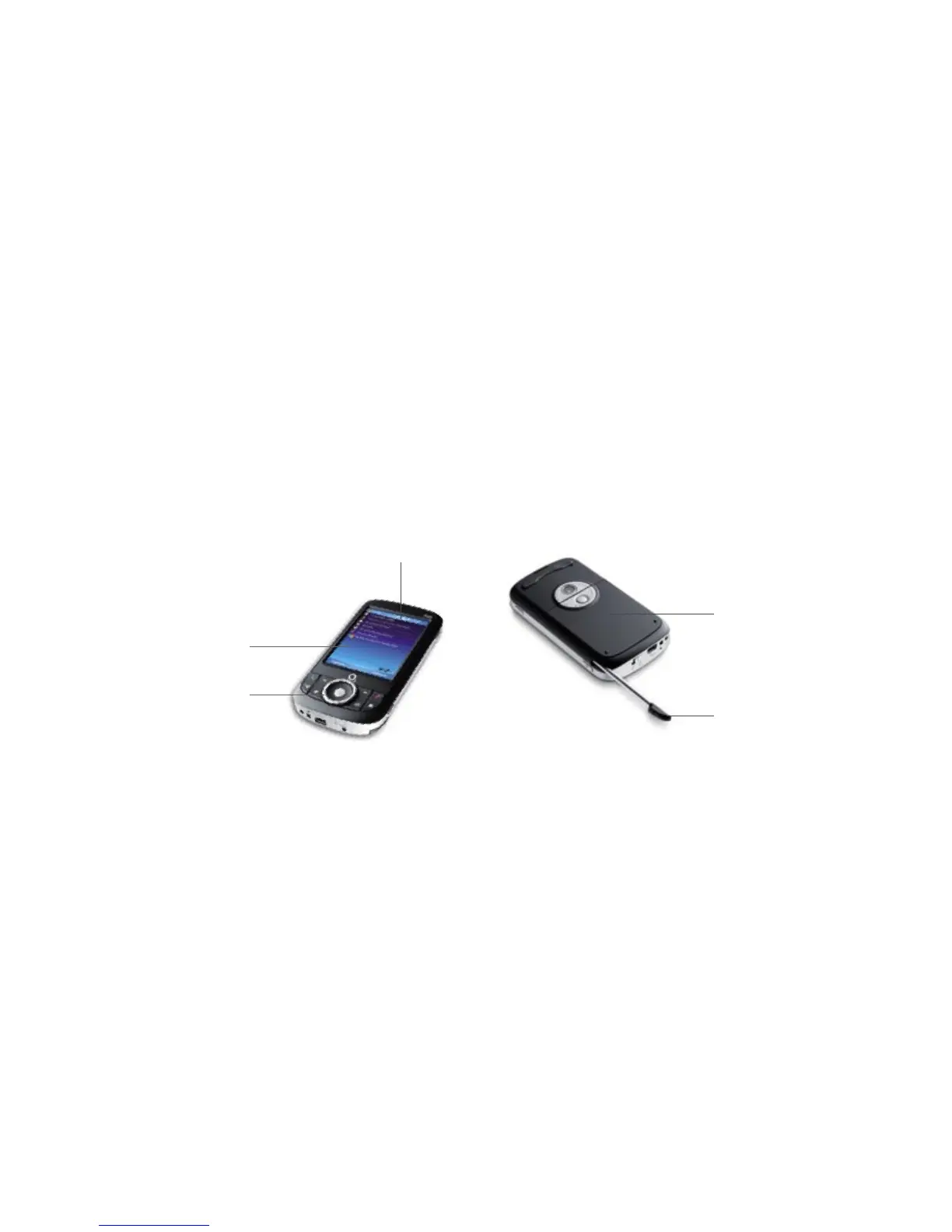
14. Battery cover
Slide it out to access the
battery compartment.
15. Stylus
You can use the stylus to write,
draw or select items on the
touch screen.
15
14
11. Touch screen
Tap the screen with the stylus
to write, draw or select.
12. Track wheel
You can turn this clockwise
or counterclockwise to move
through items on the screen
or in a menu.
Use it for zooming when you use
the camera or the GPS software.
13. Status Indicators
The Today screen displays
important information, such as
upcoming appointments and
status indicators. Some of the
status icons that you may see
on your Xda Orbit are listed
on pages 28–29
12
11
13



 To Next Page