7
isted in TABLE 1, the PC 700 must
be set for manual calibration i
The factory default is automati
an ere i
for e 1.
TABLE
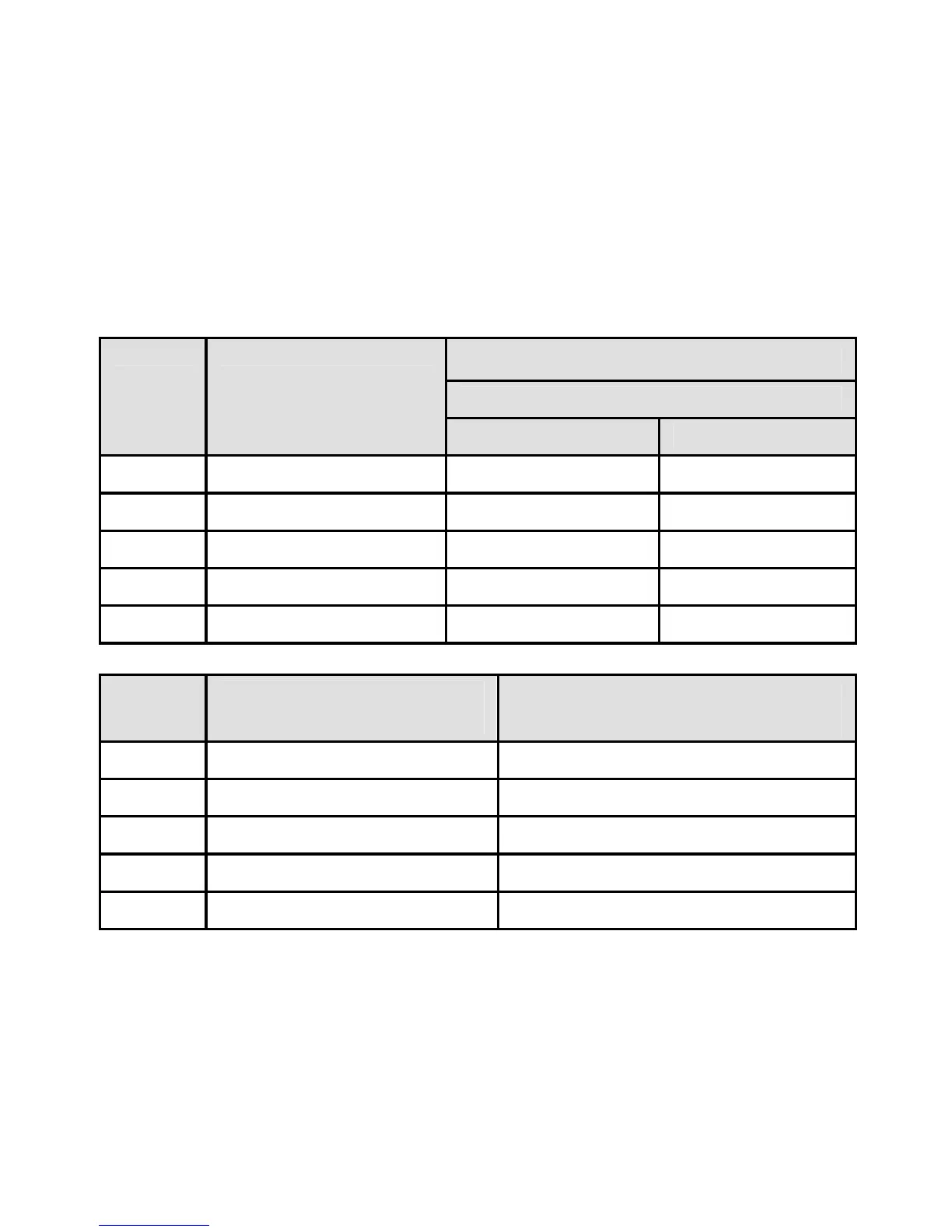
If you only use calibration standards that are listed in TABLE 1,
automatic calibration is recommended. If you intend to calibrate with
one or more standards that are not l
nstead.
c conductivity calibration. See Section
s no automatic calibration value 9.11 to ch
available
ge this setting. Th
conductivity rang
1
Auto Calibratio es matic n Valu
N ation Temp ormaliz erature
R e ang
#
Conductivity
Range
25 ºC 20 ºC
r 1 0.00 – 20.00 μS None None
r 2 20.1 – 200.0 μS 84 μS 76 μS
r 3 201 – 2000 μS 1413 μS 1278 μS
r 4 2.01 – 20.00 mS 12.88 mS 11.67 mS
r 5 20. 111.8 mS 1 – 200.0 mS 102.1 mS
Range
#
TDS Range
(us r) ing 0.5 TDS facto
Automatic Calibration
Values
r 1 0 – 10.00 ppm none
r 2 1 0.1 – 100.0 ppm
none
r 3 101 – 1000 ppm
none
r 4 1.01 – 10.00 ppt
none
r 5 10.1 – 100 ppt
none
5.2 Single or Multi-Point Calibration
Use Single-Point Calibration to apply a single calibration value across
all ranges.
www.GlobalTestSupply.com
Find Quality Products Online at: sales@GlobalTestSupply.com



 To Next Page