5.6 Parameter Setting
Table-6
Parameter setting content
Return to factory default
5.6.1 How to do the parameter setting:
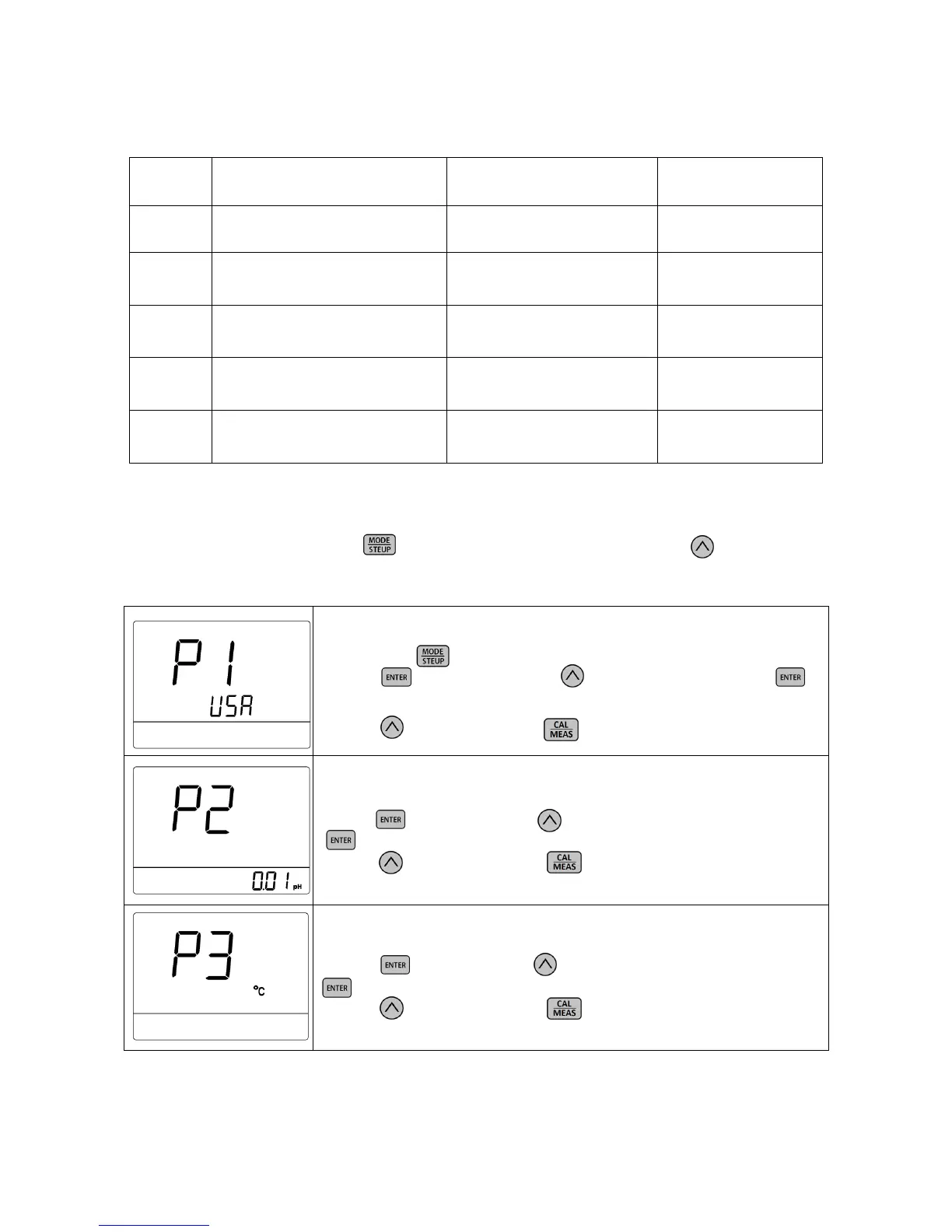
In measurement mode, long press to enter parameter setting P1. Then press to change menu
from P1 to P2…P5. For details, please see Table-7.
Table-7 pH Parameter Setting
P1 — Select pH buffer series (USA— NIS)
1. Long press to enter P1.
2. Press , USA flashes, press to select USA or NIS, press to
confirm; USA — USA Series,NIS — NIST Series
3. Press to enter P2 or press to return to measurement mode.
P2 — Select resolution (0.01—0.1)
1. Press , 0.01 flashes, press to select 0.01 or 0.1, press
to confirm;
2. Press to enter P3 or press to return to measurement mode.
P3 — Select temperature unit (°C—°F)
1. Press , °C flashes, press to select °C or °F, press
to confirm;
2. Press to enter P4 or press to return to measurement mode.



 To Next Page