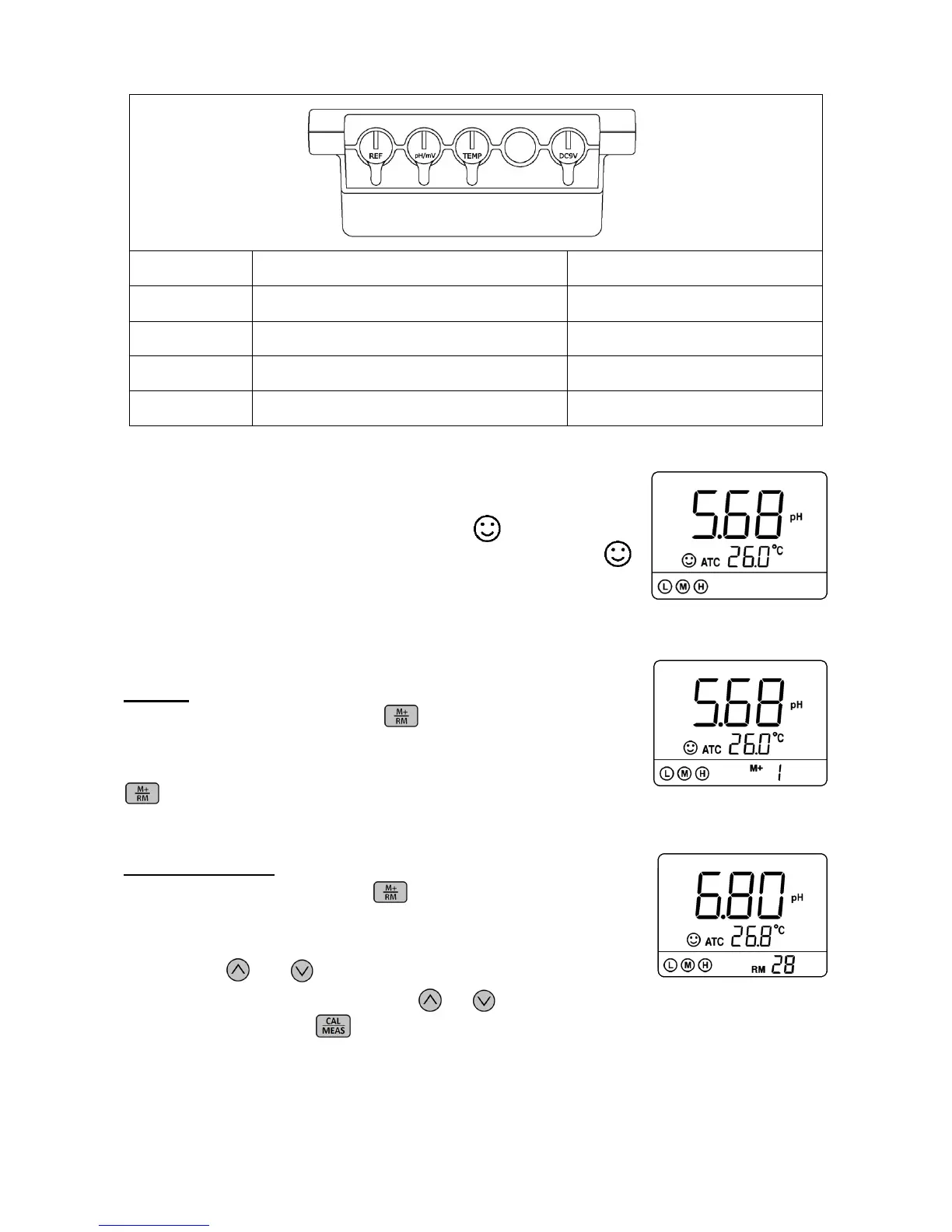
4.4 Stable reading display mode
When the measuring value is stable, smiley face icon appears on LCD, see
Figure-3. Please do not get the reading value or make calibration until the
icon appears and stays.
4.5 Data storage, recall, and deletion
Storage
When the measurement is stable, press key, the meter displays
M+ icon and storage numberings on LCD, and stores the measuring data.
In Figure-4, the meter stores the first group of the measuring data. Press
again, to keep storing.
Recall stored data
In the measurement mode, long press key to recall the last stored
Measuring data. The meter displays RM icon and storage numberings.
In Figure-5, the meter is recalling the 28
th
stored measuring data.
Keep pressing and to recall the stored
measuring data successively. Press and hold and to quickly recall the stored
measuring data. Short press to go back to measurement mode.



 To Next Page