- 13 -
10. MEASUREMENT MODE
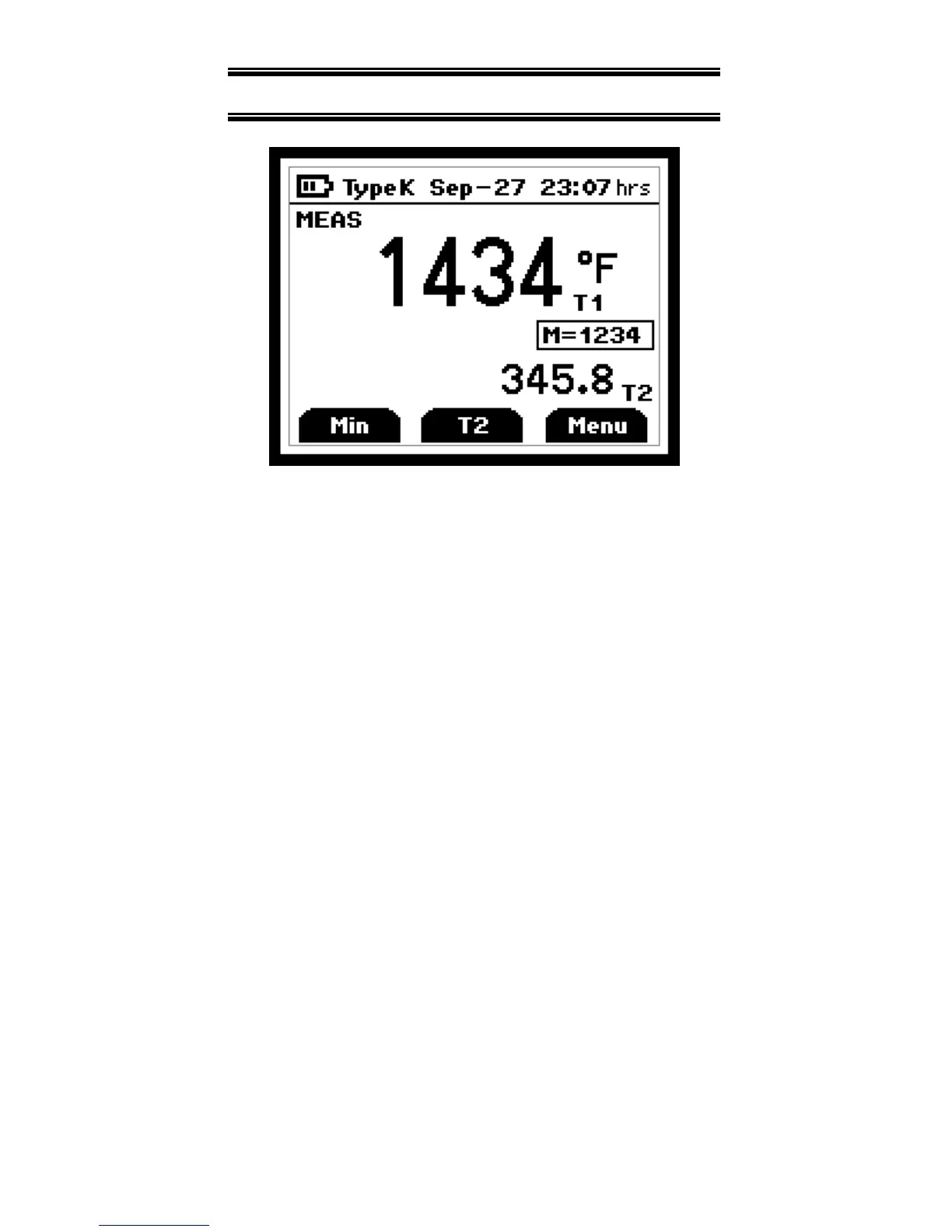
On initial start-up the meter will display
the measured value for input one in the
primary display and for input two in the
secondary display.
Pressing the
F2
key will toggle primary
display through input one (T1), input two,
and the delta (T1 – T2) values.
Pressing the
F1
key initiates and toggles
through Minimum, Maximum, and
Average reading modes.
Pressing
F3
enter accesses Setup mode.


 To Next Page