- 15 -
14. SETUP MODE
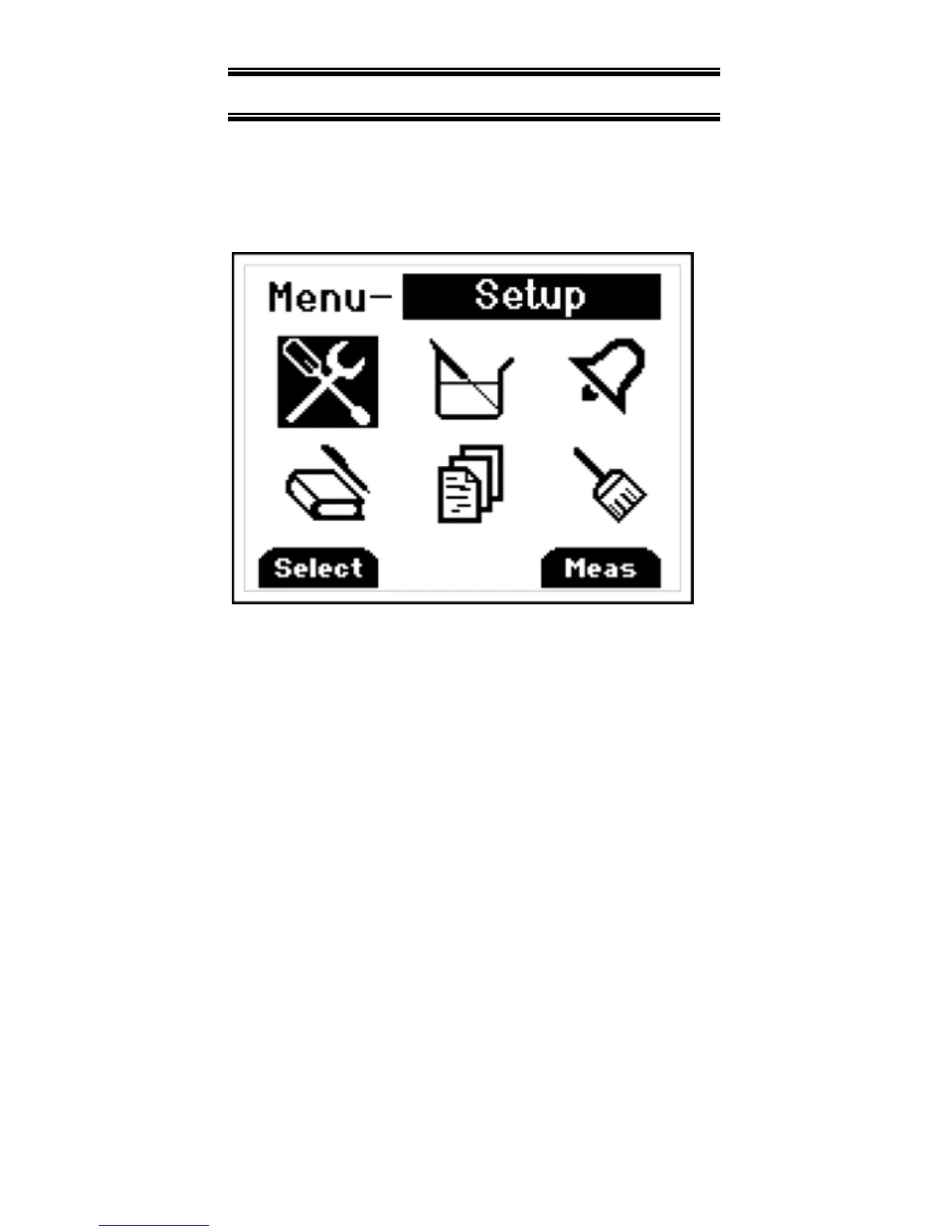
To access the setup mode from
measurement mode press the F3 key
(Menu).
Press ▲▼ keys on the meter key pad to
scroll through options.
To enter a setup screen press Select
F1
key.
To return to measurement mode press
Meas
F3
key. Following menu options
are listed
1. General Setup
2. User field calibration
3. Alarm settings
4. Data logging settings
5. View user calibration report
6. Clear/Reset options


 To Next Page