EasyManua.ls Logo

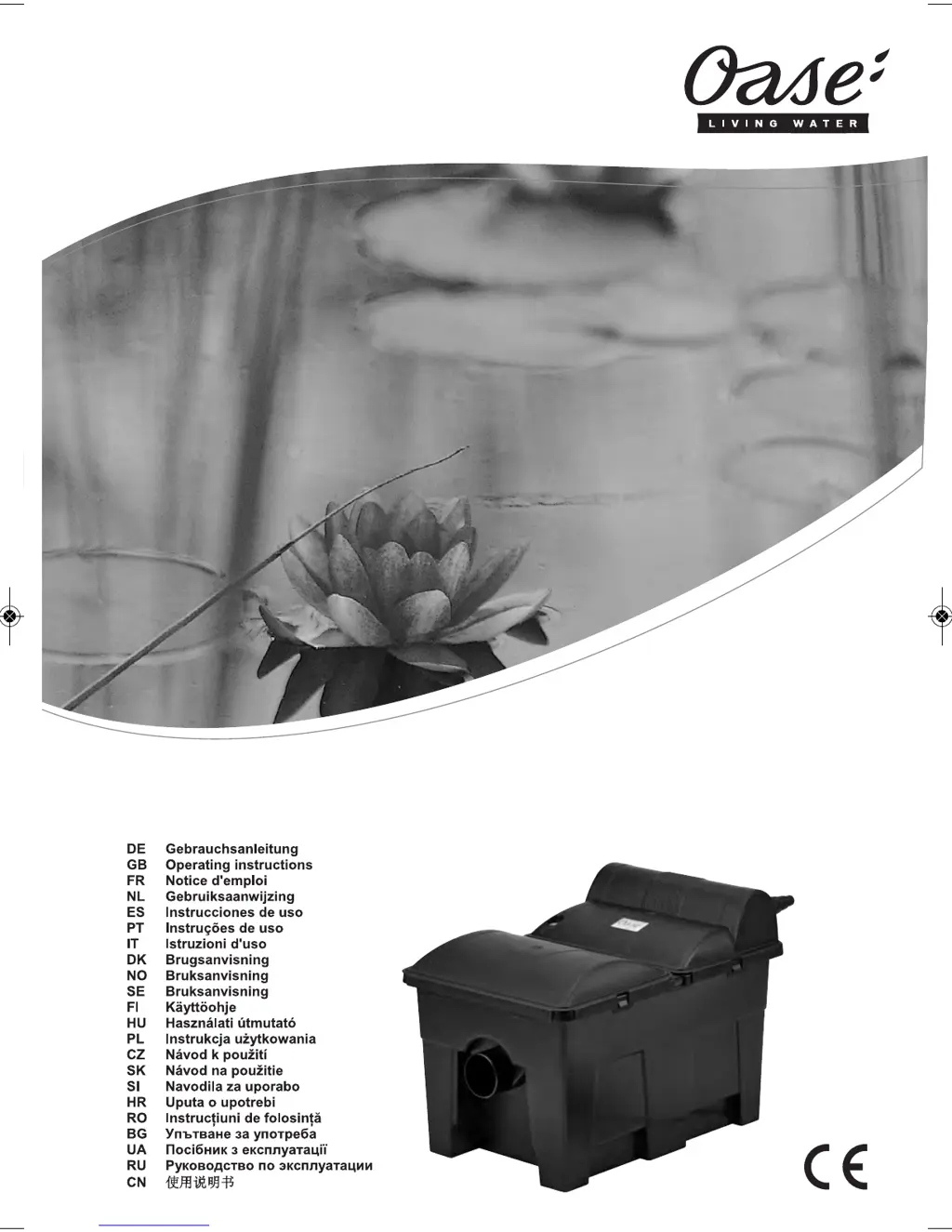
Oase BioSmart 5000 - User Manual

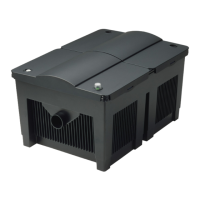
Oase BioSmart 5000
14 pages
Print Icon
To Next Page IconTo Next Page
Loading...
13718/05 F
BioSmart 5000/7000/14000/16000
15136 GAW_BioSmart_A6_end:. 21.05.10 14:02 Seite 2
Downloaded from www.watergardeningdirect.com

Questions and Answers

  • T
    Timothy RichJul 27, 2025
    Why is the water cloudy in my Oase Water Filtration Systems?
    • C
      Crystal JohnsJul 27, 2025
      If the water in your Oase Water Filtration System remains cloudy, it might be because the unit hasn't been running long enough. The biological cleaning process usually takes several weeks to fully establish. Also, try removing algae and leaves from the pond and performing a partial water change. Finally, cleaning the foam filters can also help to clear the water.
  • A
    Austin GarciaAug 5, 2025
    What to do if water stays cloudy in Oase BioSmart 5000?
    • J
      jeffrey05Aug 5, 2025
      If your Oase Water Filtration System's water stays cloudy, the biological cleaning effect may not be fully established yet; this usually takes a few weeks. Give it some time to see if it clears up. Also ensure you remove any algae and leaves from the pond and perform a partial water change. Cleaning the foam filters is also recommended.
  • J
    jfordAug 15, 2025
    How to fix cloudy water in Oase BioSmart 5000?
    • Z
      zacharymillerAug 15, 2025
      The biological cleaning effect requires several weeks to be achieved. Another reason for cloudy water in Oase Water Filtration Systems could be related to algae and leaves in the pond. In this case, remove them and do a partial water change. Cleaning the foam filters might also help.

Summary

Symbols

Electrical Voltage Danger

Indicates imminent danger from electrical voltage leading to severe injury or death.

General Danger Warning

Indicates imminent danger from a general source leading to severe injury or death.

Intended Use

Safety Information

General Safety Precautions

General safety guidelines regarding the unit's proper and safe use.

Water and Electricity Hazards

Details risks associated with combining water and electricity.

Electrical Installation Requirements

Safe Operation

Operational Safety Guidelines

Covers safe operation, cable management, and use of genuine parts.

Installation

Start-up

Power Connection and Initial Operation

Maintenance and Cleaning

Maintenance and Cleaning Safety

Safety warnings related to electrical voltage, UV radiation, and glass breakage during maintenance.

Troubleshooting Malfunctions

Safety and Protection Information

Protection Ratings and Hazards

Details protection ratings (IP24) and hazards like UV radiation and electrical contact.

Oase BioSmart 5000 Specifications

General IconGeneral
Maximum Pond Size5000 liters
UVC Power11 W
Dimensions380 x 560 x 410 mm
Filter MediaFilter foams
Suitable for ponds up to5000 liters
Number of filter foams, total4
Number of filter foams, blue2
Number of filter foams, red2
Flow Rate3000 l/h
UV-C ClarifierYes
Power Consumption11 W
Inlet Size32 mm
Pump Connection32 mm
Hose Connection32 mm
Outlet Size32 mm

Related product manuals