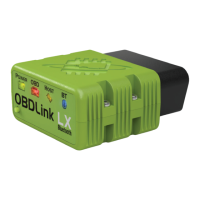
Overview
This article contains information about how to choose the right OBDLink
®
adapter for
your vehicle and personal requirements. You can also find details about getting started
with your OBDLink adapter and resolving connection issues.
This article contains the following sections:
Choose your OBDLink adapter
Is my vehicle supported?
Which OBDLink adapter is right for me?
Motorcycles
Electric and hybrid vehicles
Quick start steps
Bluetooth tips
Communication settings
Factory reset (OBDLink MX+ or OBDLink LX adapters only)
Need more help?
Revision History
Choose your OBDLink adapter
Do you need help evaluating the OBDLink adapter products and deciding which one is
best for your particular requirements? First, we recommend that you confirm that your
vehicle is OBD-II compliant.
Is my vehicle supported?
OBD-II compatibility is related to where your vehicle was purchased when new, not
where the vehicle was manufactured.

 Need help?
 General

 To Next Page