EasyManua.ls Logo

Oberheim XK - VELOCITY; Velocity Scales; Release Velocity; Velocity Range

Oberheim XK
41 pages
Print Icon
To Next Page IconTo Next Page
To Previous Page IconTo Previous Page
Loading...
VELOCITY
Velocity
Scales
There
are
two
user
selectable
velocity
scales
plus
off
In
the
Xk.
Velocity
Scale
1
is
more
sensitive
in
the
upper
range,
while
Velocity
Scale
2
is
more
sensitive
in
the
middle
range.
When
the
velocity
is
Off,
no
velocity
is
sent.
The
velocity
is
sent
on
new
notes
with
the
present
velocity
scale
It
is
possible
to
play
and
hold
notes
then
change
to
a
new
velocity
scale,
this
could
be
useful
when
arpeggiating.
The
user
will
select
which
scale
is
best
for
the
type
of
playing
being
performed
And
remember
the
sensitivity
is
almost
always
adjusted
in
the
receiving
device.
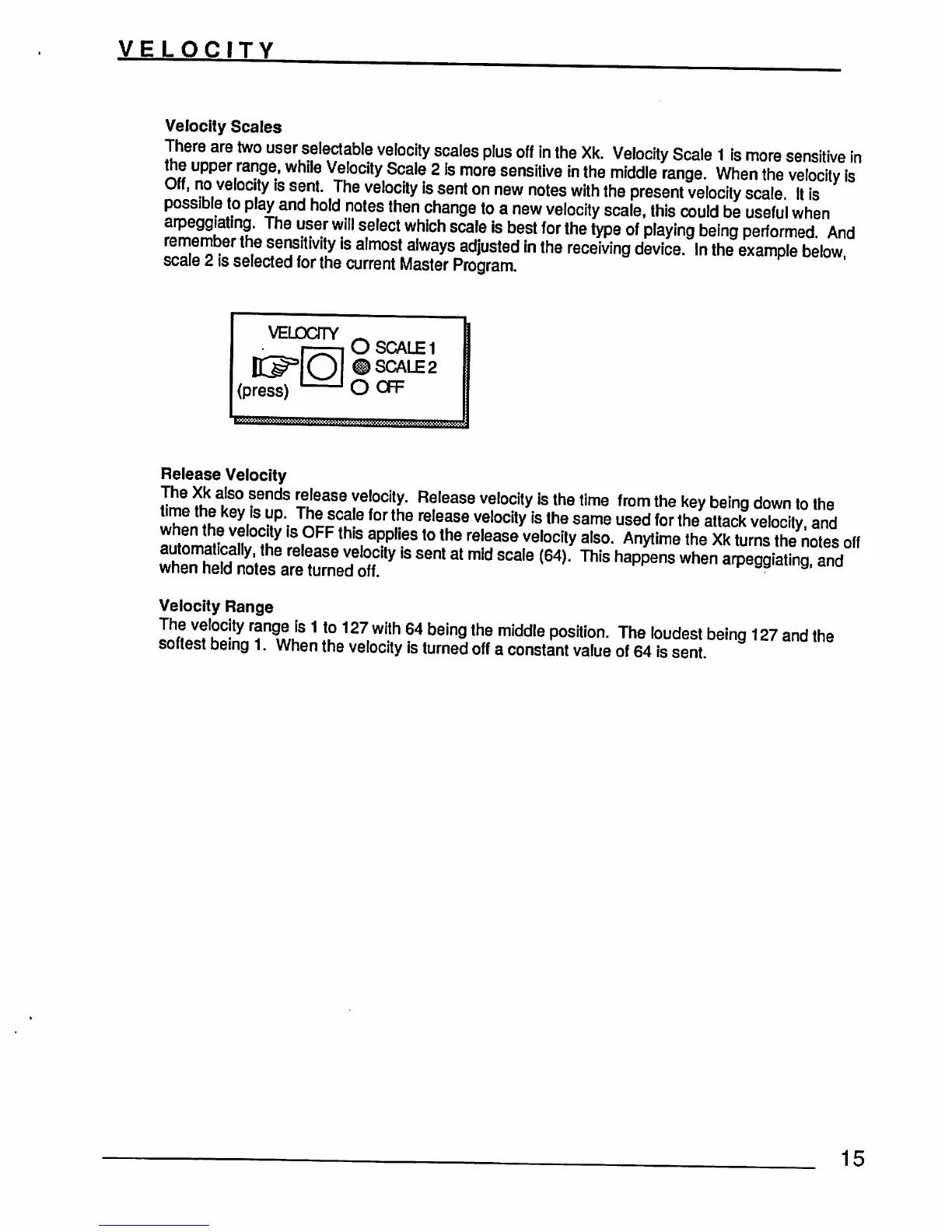
In
the
example
below
scale
2
is
selected
for
the
current
Master
Program
VELDOTY
(press)
O
SCALE
1
#
SCALE
2
OOFF
Release
Velocity
E
ik
t
•6ndS
rTeu6aSe
Vel0Clty"
Release
velocity
is
the
time
from
the
keV
being
down
to
the
'S
?'•
1J2JCS9
f°r
the
reIease
veloclly
ls
the
same
used
for
the
attack
velocity,
and
toyIS
PFF
thl£;
aPP'es
t0
the
Please
velocity
also.
Anytime
the
Xk
turns
the
notes
off
£Z£^is
senl
at
mid
scaIe
(64)-Thls
happens
when
arpe99lati^
Velocity
Range
LhLc?hC-ty
TTJf
1
Xu
127
With
64
being
the
middle
P°sitlon-
The
loudest
being
127
and
the
softest
being
1.
When
the
velocity
is
turned
off
a
constant
value
of
64
is
sent.
15