• Ensure that the socket is easily accessible, so that you can quickly remove the
switching adapter if necessary.
• Do not use the wireless station if the switching adapter or power cable is damaged.
• Do not cover the switching adapter with curtains, newspapers, etc. and ensure that
it is sufficiently ventilated. The switching adapter can become hot.
• Uncoil the switching cable fully before connecting. Be careful not to damage the
cable with sharp edges or hot objects.
• Remove the switching adapter from the socket:
- before cleaning the wireless station,
- when a fault occurs during operation,
- during thunderstorms,
• Do not modify the items or the power cable. Only allow repairs to be carried out by
a specialist workshop as improperly repaired devices endanger the user.
Unpacking and checking
1. Remove the device from the packaging, remove all protective films and keep the
packaging materials out of the reach of children.
2. Dispose of the materials separately according to type.
3. Check that all the items that should be included in the delivery are present and
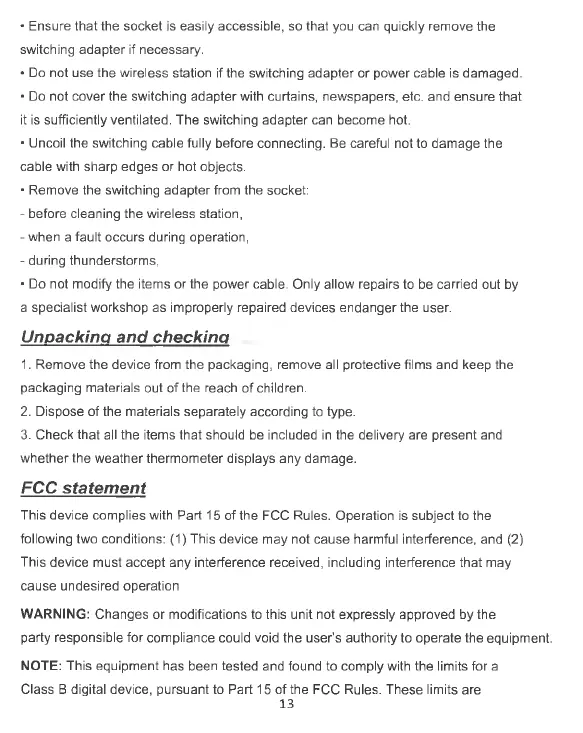
whether the weather thermometer displays any damage.
FCC statement
This device complies with Part 15 of the FCC Rules. Operation is subject to the
following two conditions: (1) This device may not cause harmful interference, and (2)
This device must accept any interference received, including interference that may
cause undesired operation
WARNING: Changes or modifications to this unit not expressly approved by the
party responsible for compliance could void the user’s authority to operate the equipment.
NOTE: This equipment has been tested and found to comply with the limits for a
Class B digital device, pursuant to Part 15 of the FCC Rules. These limits are
13


 To Next Page