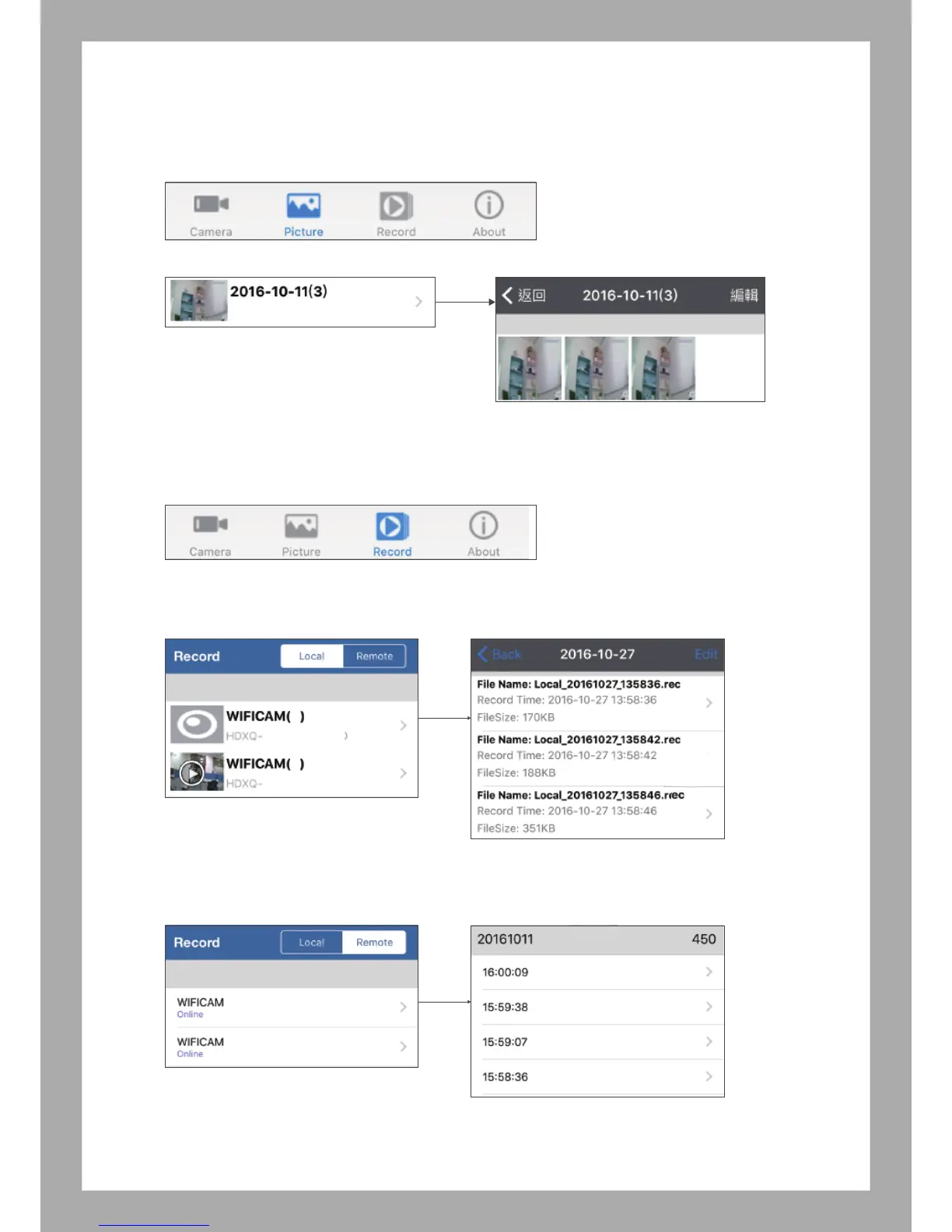
6.3 View & Delete Pictures
Select “Picture”, you can view or delete photos
6.4 View & Delete Videos
Select “Record (Videos)”, there are Local and Remote folders, You can view or delete Videos
* Local (Phone): Video storage in your device
* Remote: Video storage in TF card (APP will show maximum 450 video files without sound)
Note: You can play the video file on your computer if want to hear the sound.
3
0
xxxxxx
-
xxxxx
xxxxxx
-
xxxxx
9



 To Next Page