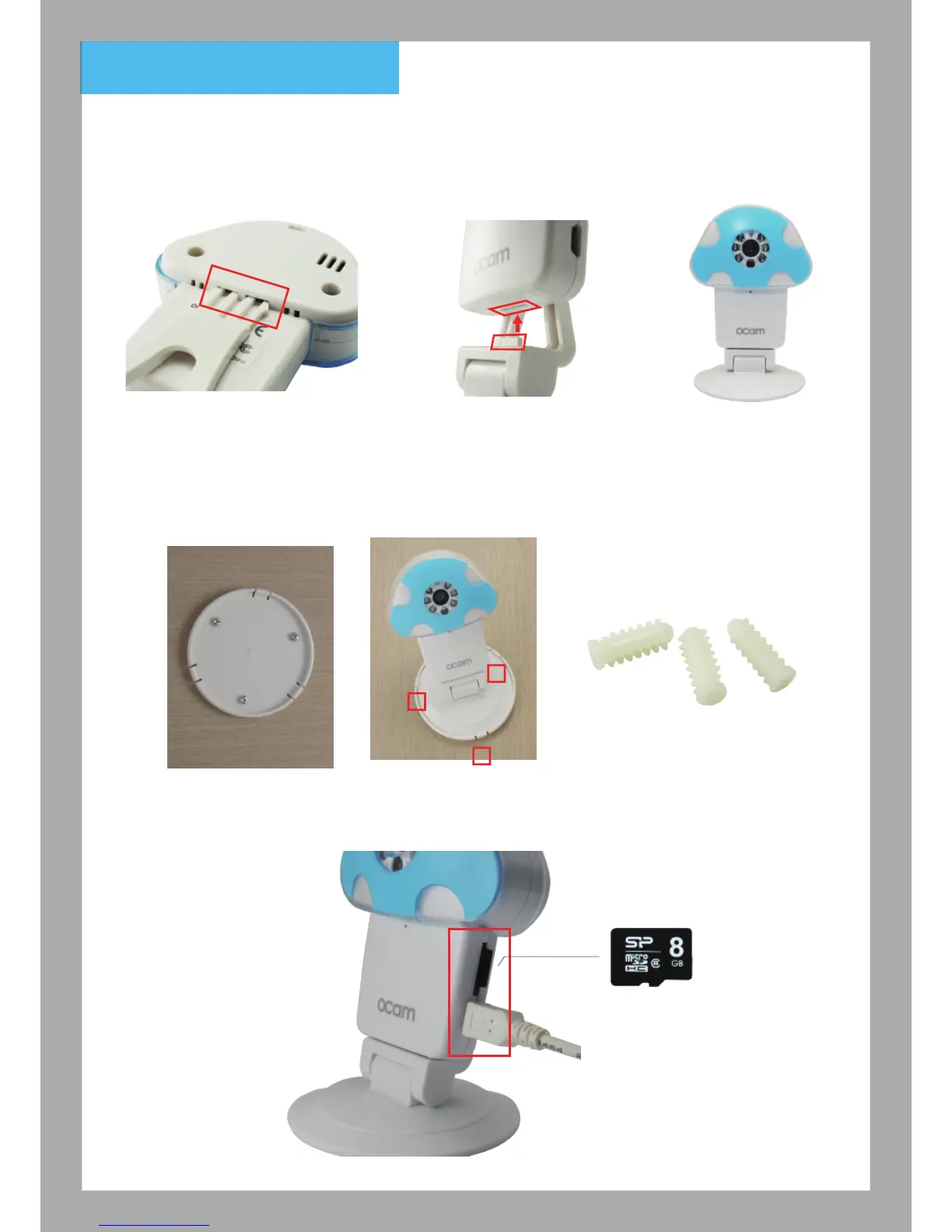
2. Camera installation
①
Insert the holder into the
holder socket
Further Explanation: attach the plastic
to your mount the camera on a wall.
(only used when the wall are hard like
the cement wall)
②
Make sure the bottom of
OCam into the right position
③
Complete
2.2 To fix the camera on the wall, please follow the instruction below:
2.3 After following the instruction below, the indicator light goes blue.
(for recording function, please insert the Micro SD card.)
Micro SD 卡
2.1
①
Attach the wall mount to
your wall or celling using
the screws included in the
box.
②
Mount your camera
by fitting the base
into the wall mount.
2



 To Next Page